


Tech Office Cleaning: Server Room and Electronics Care
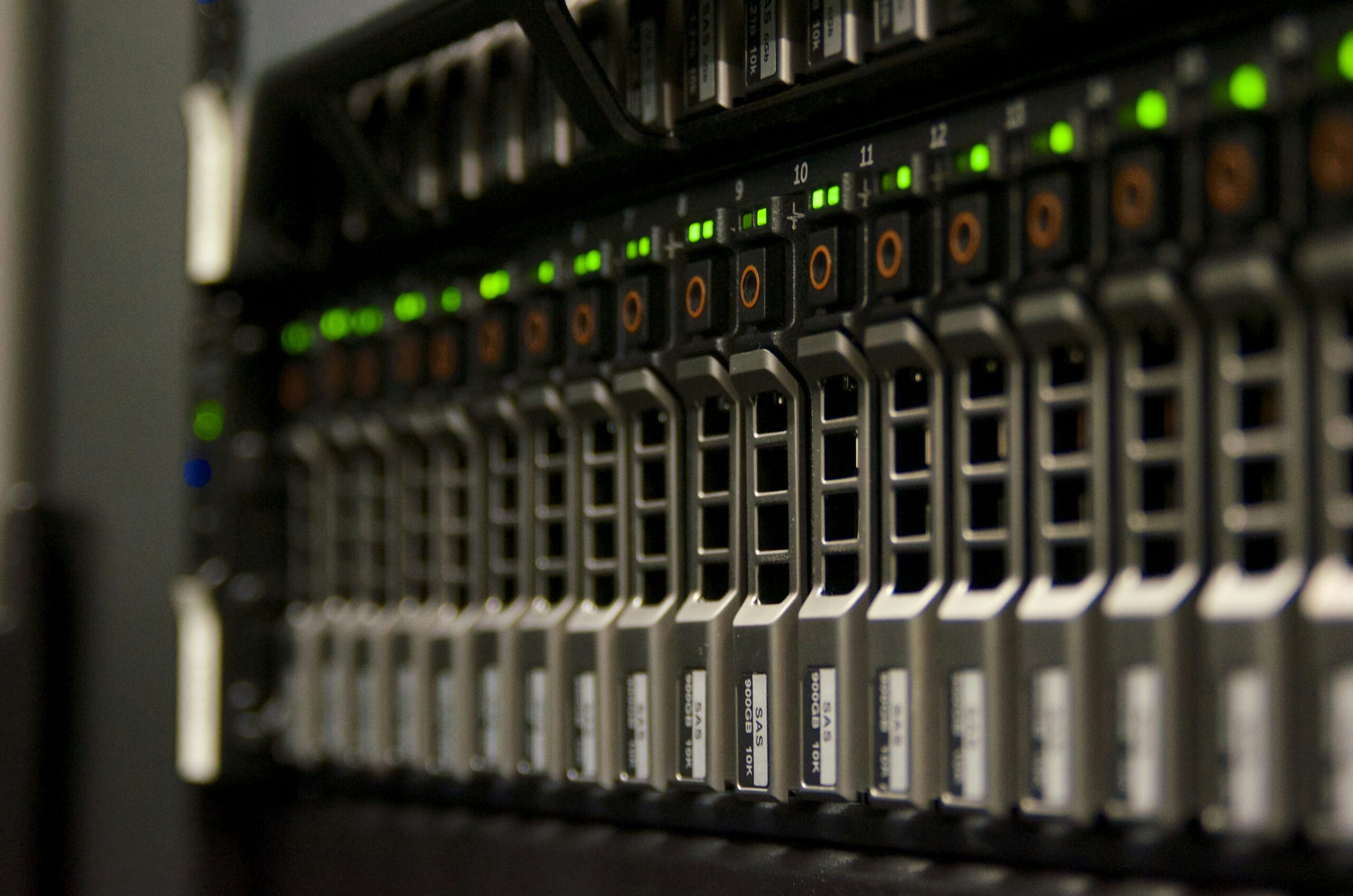
If your workspace includes racks, servers, and shared devices, tech office cleaning server rooms and electronics care is not the same as standard office cleaning. Dust, static, moisture, and harsh chemicals can all damage equipment or shorten its lifespan. In Canadian offices, winter salt tracking and low humidity make the risks even higher.
This guide explains how to keep IT environments clean without creating downtime. You will get safety rules based on Health Canada and CCOHS guidance, a frequency plan for server rooms, step-by-step methods for keyboards and screens, surface-specific techniques for floors and wood, product recommendations available in Canada, and a clear DIY versus professional cost comparison. If you want a refresher on when to clean, sanitise, or disinfect, read cleaning vs sanitising vs disinfecting.
Use this article as a practical playbook for tech office cleaning that protects equipment and keeps your team productive.
Why Tech Offices Need a Different Cleaning Approach
Tech offices have three unique risks that general office cleaning does not address well:
- Dust and airflow problems that reduce cooling efficiency and increase heat load in server rooms.
- Electrostatic discharge (ESD) risks, especially during Canada’s dry winter months.
- Moisture and chemical sensitivity for electronics, cables, ports, and vents.
That is why tech office cleaning server rooms and electronics care is built on dry dust control, controlled disinfection, and minimal moisture. The goal is not to disinfect every surface every day. It is to clean thoroughly, disinfect only where needed, and keep equipment safe.
Even a thin layer of dust on server intakes can reduce airflow and push temperatures higher. IT teams often see higher fan speeds, louder noise, and more frequent cooling alerts when dust builds up. In practice, dust on cables and intake grilles can cut airflow efficiency by double-digit percentages. That is why tech cleaning focuses on airflow paths and not just visible surfaces.
Another difference is access control. Server rooms are usually restricted, so cleaning must be coordinated with IT, logged, and performed in short windows. A cleaning plan that works for a reception area will not work for a locked server closet or a high-availability data room.
Signs your current routine is not enough
- Visible dust on vents or rack fronts within one to two weeks of cleaning.
- Frequent fan noise or temperature alerts after hours.
- Static shocks when touching metal racks in winter.
- Salt film near doors after snowstorms or thaw cycles.
- Shared keyboards feel greasy even after wiping.
High-touch electronics such as keyboards, mice, and phones should be cleaned and disinfected more often than low-touch surfaces. CCOHS highlights that these are shared contact points and should be treated as priority surfaces, especially in hot-desk or shared-workstation environments. If you are deciding between in-house routines and professional service, keep this guide in mind along with GoodCleaner cleaning services for tech offices across Ottawa and surrounding areas.
Safety First: Canada-Specific Rules You Should Follow
Canadian guidance is clear: clean first, disinfect second. Soil blocks disinfectants and reduces their effectiveness. Health Canada also requires that workplace disinfectants carry a DIN (Drug Identification Number) on the label. That DIN confirms the product is approved for use in Canada and gives clear instructions on contact time.
- Clean before disinfecting so disinfectants can work as intended.
- Choose DIN-labelled disinfectants for workplace use in Canada.
- Respect contact time and keep surfaces wet for the full dwell time listed on the label.
- Never mix chemicals such as bleach with ammonia, vinegar, or alcohol.
- Ventilate well when using chemical products and allow surfaces to air dry if required.
If you use bleach as a last-resort disinfectant on hard surfaces, CCOHS notes a 0.1 percent sodium hypochlorite option (about 5 mL of 5 percent household bleach in 250 mL of water). That solution loses disinfecting power within 24 hours, so it should be mixed fresh and used only where it will not damage electronics.
Many disinfectants list a 5 to 10 minute contact time. Short wipes that dry too quickly will not fully disinfect. Plan your workflow so you can leave high-touch items wet for the required time without soaking ports or vents. Wear nitrile gloves and eye protection when required by the product label, and follow WHMIS and SDS instructions for storage and disposal.
For server rooms and device surfaces, you should assume electronics care means “as dry as possible.” Use wipes or sprays on a cloth, never sprayed directly onto equipment. Follow manufacturer instructions for any device that “can tolerate liquids.”
For shared desks and meeting areas, you can disinfect office workspace touch points after cleaning, but keep liquids away from ports, vents, and power supplies.
Server Room Cleaning Frequency and Core Steps
A practical baseline for tech office environments is:
- Daily: quick tidy and dust control near entry points, door handles, and shared control panels.
- Weekly: detailed dry cleaning of floors, rack exteriors, and access panels.
- Quarterly: deep clean of raised floors and airflow paths by trained staff or a professional team.
- Semi-annual: subfloor cleaning under raised floors (common industry schedule).
Increase frequency after construction, during winter salt season, or when you can see visible dust. A typical weekly server room clean can take 30 to 90 minutes, while deep cleans can take 2 to 6 hours depending on size and airflow complexity.
Step-by-step server room routine
- Step 1: Coordinate with IT and schedule a low-risk window. Confirm which surfaces can tolerate light moisture and which must remain dry.
- Step 2: Control dust first using an ESD-safe HEPA vacuum. Avoid dry sweeping or tools that create turbulence.
- Step 3: Wipe non-critical exteriors like rack doors and handles using a lightly damp microfibre cloth.
- Step 4: Disinfect touch points with a DIN disinfectant on a cloth, not sprayed directly onto equipment.
- Step 5: Record work in a checklist or log for consistency and auditability.
Common mistakes include using a standard vacuum that redistributes fine particles, wet mopping near raised floors, or ignoring humidity. A summary of ASHRAE guidance often cites 20 to 80 percent relative humidity as acceptable, but corrosion risk increases at the high end. Most IT teams aim for a tighter 40 to 60 percent range in Canadian offices to reduce static risk in winter and corrosion risk in summer.
Server room mistakes to avoid
- Non-HEPA vacuums that blow fine dust back into the room.
- Wet mopping near racks or raised floors.
- Compressed air blasts that push debris into fans or vents.
- Skipping cable dust which can slow airflow through rack channels.
- Cleaning without logging which makes it hard to track results or issues.
Workstations and Shared Electronics: What to Clean and How
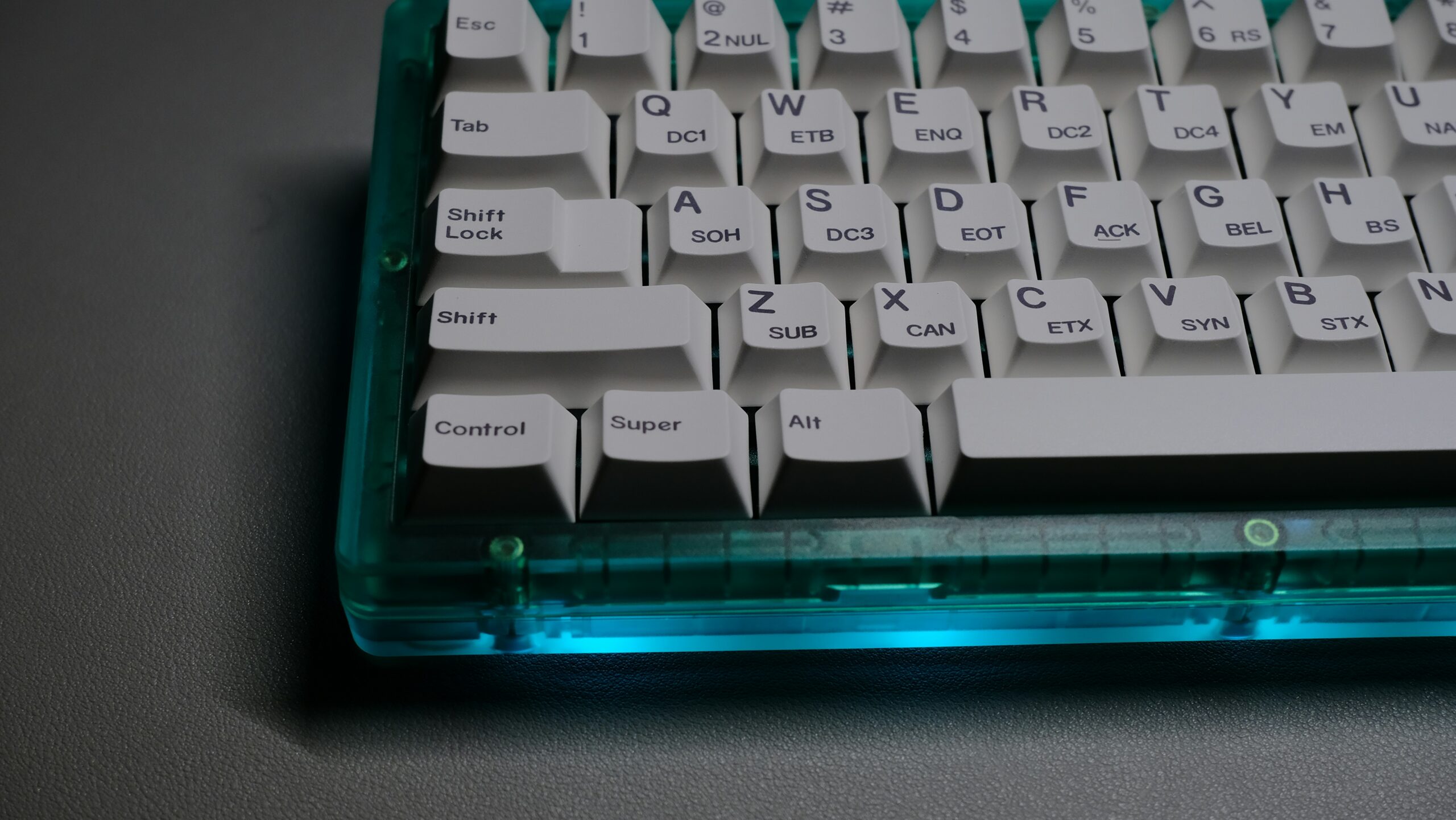
Keyboards, mice, phones, and shared headsets are some of the most touched items in any office. CCOHS suggests that high-touch objects should be cleaned and disinfected more often, especially if they are shared. For tech offices, that means a clear daily or end-of-day wipe routine and a weekly deeper clean.
Quick daily routine (10 to 20 minutes per desk)
- Power down devices when practical and remove clutter.
- Dry dust first with a microfibre cloth to avoid spreading debris.
- Use alcohol or DIN wipes on devices that can tolerate liquids, following manufacturer instructions.
- Respect contact time and allow surfaces to air dry.
Do not spray disinfectant directly onto keyboards, ports, or vents. Apply it to a cloth, then wipe. Avoid bleach and harsh chemicals on electronics, because they can corrode metal and damage coatings. For shared devices in hot-desk areas, schedule a daily wipe and a more detailed weekly clean that includes vents, cables, and mouse pads.
This approach keeps a clean computer keyboard without damaging switches or coatings, and it is easier for teams to maintain consistently.
Screen and monitor care
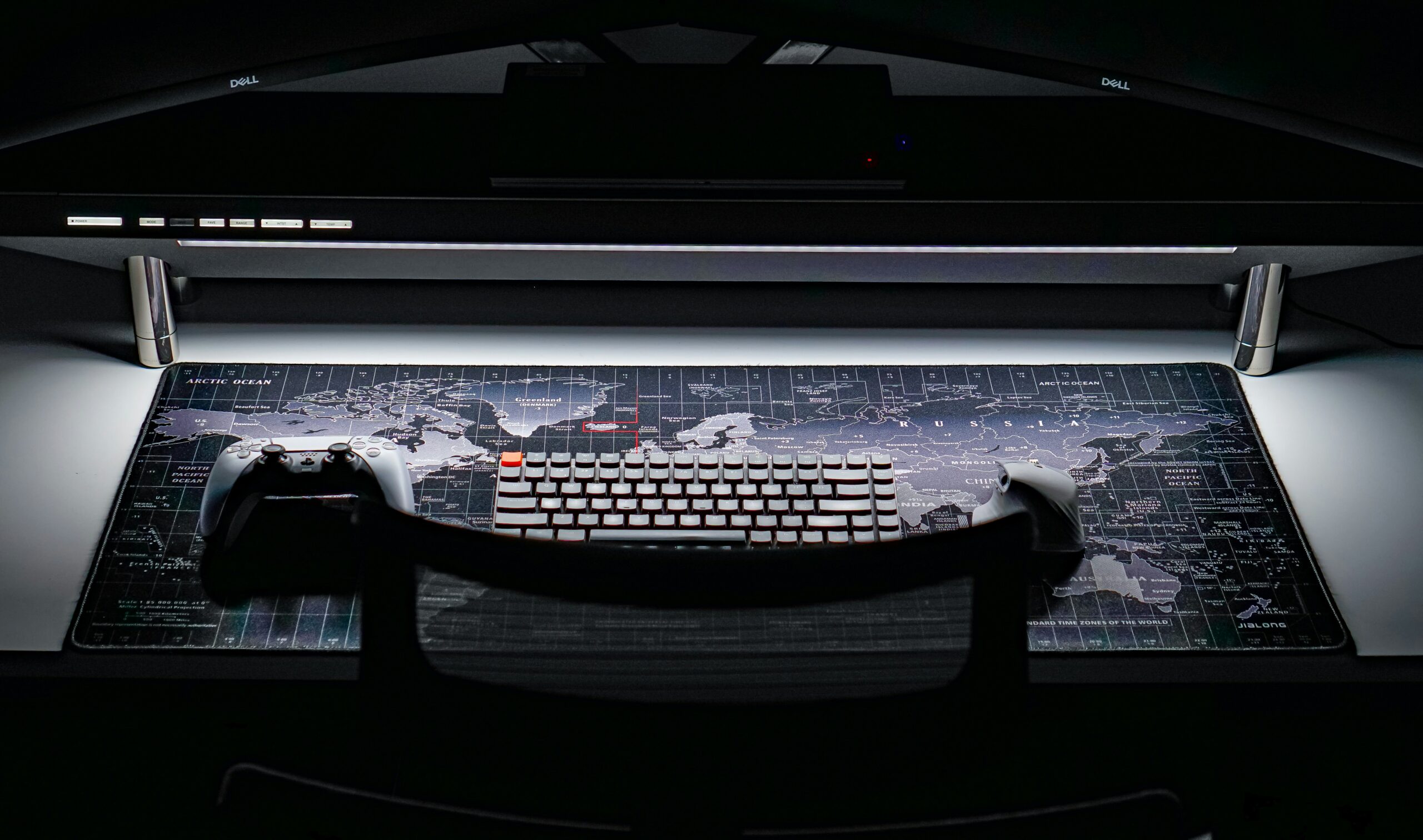
Use screen-safe cleaners and lint-free microfibre cloths. Avoid ammonia-based products. Lightly dampen the cloth, wipe gently, and finish with a dry pass. For teams that want detailed guidance on replaceable tools, use cleaning tools you should replace often to keep cloths and wipes effective.
Hot-desk and shared device protocol
- End-of-day wipe for keyboards, mice, and headsets in shared zones.
- Between-user wipe for hot desks if multiple shifts share the same space.
- Do not spray directly onto ports or vents; apply to a cloth first.
- Label cleaning bins so fresh wipes are easy to grab without cross-contamination.
- Replace wipes and cloths often to avoid spreading residue.
Surface-Specific Methods for Tech Offices
Tech offices often mix carpeted areas, hard floors, and wood surfaces. Each material needs a different approach if you want dust control without residue or moisture damage.
Carpeted floors
Use a HEPA vacuum to capture fine particles and prevent dust from resettling. In winter, pre-treat entry zones with baking soda to neutralise salt odours, then vacuum thoroughly. Avoid over-wetting carpets in server rooms and adjacent spaces, because moisture can migrate under raised floors.
Tile and concrete
Use a neutral pH cleaner and a damp microfibre mop. Never leave standing water near equipment. In salt season, increase frequency in entry zones and consider sealing grout annually to reduce residue buildup.
Wood surfaces
Dust with antistatic microfibre and wipe with a lightly damp cloth. Avoid heavy sprays. If wood is near entry zones, wipe it more frequently to prevent winter salt film from dulling finishes.
When surface cleaning overlaps with equipment zones, always prioritise dry methods and work top-down so dust is not pushed back onto racks or workstations.
For server rooms with raised floors, avoid dragging cords or wet mop heads across tiles. Use anti-static mats near entry points and keep cable bundles tidy to reduce dust traps. A clean airflow path is as important as a clean surface.
Prevention and Environmental Controls That Actually Work
Good cleaning is only half the system. The other half is prevention. In Canada, winter salt, dry heating, and spring pollen all contribute to dust buildup and static risk. Simple prevention steps reduce how often you need deep cleaning.
- Entry matting to trap salt and grit before it reaches server room doors.
- Humidity control targeting 40 to 60 percent relative humidity to reduce static in winter and corrosion in summer.
- Air filtration with regular filter changes and HEPA units in high-use zones.
- Anti-static practices such as wrist straps for technicians and ESD-safe tools.
- Seasonal adjustments after snowmelt, pollen season, or nearby construction.
High-absorbency mats at entrances, such as rubber-backed versions from Costco Canada, are a low-cost way to stop salt and grime at the door. Dehumidifiers such as Frigidaire units from Canadian Tire can keep server rooms stable during humid months. These steps also help reduce germs in office common areas by limiting tracked debris and damp surfaces.
Frequency guide that works for most tech offices
- Daily: Wipe shared electronics, tidy entry mats, clean door handles.
- Weekly: HEPA vacuum floors, wipe racks and work surfaces, disinfect high-touch points.
- Monthly: Inspect vents and filters, deep clean shared workstations.
- Quarterly: Deep clean server rooms, assess airflow paths and dust load.
Seasonal Planning for Canadian Tech Offices
Seasonality has a bigger impact on tech office cleaning than most teams expect. Winter salt, spring pollen, summer humidity, and fall construction cycles can all increase dust load or corrosion risk. Plan your cleaning calendar around these patterns instead of using a single year-round schedule.
- Winter (salt and dry air): Increase entry-mat cleaning, vacuum more often, and monitor static. Dry air increases ESD risk and salt film can damage floors and racks.
- Spring (pollen season): Add a mid-season deep clean for vents and sills. Pollen can mix with dust and collect on intake filters.
- Summer (humidity swings): Use dehumidifiers in server rooms, and avoid wet cleaning methods that raise moisture. Check for condensation around cooling units.
- Fall (project season): Construction or office moves often create extra dust. Schedule a post-project deep clean before winter starts.
Seasonal planning also helps avoid sudden downtime. A post-winter deep clean removes salt and grit that can migrate into server rooms. A pre-winter reset ensures filters and mats are ready before snow and slush arrive.
Tech Office Cleaning Checklists (Copy and Use)
Use these checklists to keep routines consistent. They are short enough for daily use but detailed enough for audits and IT sign-off.
If you already use an office cleaning checklist for general areas, align it with the tech-specific steps below so nothing is missed in server rooms or shared device zones.
Office daily and weekly checklist
- Daily: Clean then disinfect high-touch items such as door handles, shared devices, and phones.
- Daily: Empty lined bins, replace liners, and wash hands after glove removal.
- Weekly: Break room touch points including fridge handles and coffee machine buttons.
- Weekly: Meeting-room shared items, cables, and docking stations.
- Weekly: Update cleaning log or checklist for quality tracking.
Server room checklist
- Weekly: Dry clean floors and entries, wipe door handles, check for residue near equipment.
- Quarterly: Deep clean raised floors and airflow paths with ESD-safe tools.
- Semi-annual: Subfloor cleaning under raised floors if your room uses a raised system.
Quick checklist for technicians
- Power down electronics where possible.
- HEPA vacuum floors and rack exteriors.
- Antistatic wipe surfaces and handles.
- Neutralise salt near entry zones after winter storms.
- Log humidity and note any corrosion or residue.
If your team needs help estimating costs or service scope, review cleaning prices in Ottawa for context on service rates.
Best Products and Tools in Canada (With CAD Ranges)
Below is a practical kit for tech office cleaning server rooms and electronics care that aligns with Canadian availability and health guidance. Prices are typical ranges and may vary by province.
Essentials for electronics and workstations
- DIN disinfectant wipes or sprays (Walmart Canada, Costco Canada, Loblaws/Superstore, Amazon.ca) – $5 to $15 CAD for wipes, $6 to $12 CAD for sprays.
- 70 percent isopropyl alcohol wipes for compatible devices (Canadian Tire, Walmart Canada, Amazon.ca) – $4 to $12 CAD.
- Microfibre cloths in colour-coded packs (Canadian Tire, Costco Canada, Home Hardware) – $10 to $25 CAD.
- Screen-safe cleaner such as Whoosh or Zeiss kits (Home Hardware, Amazon.ca) – $20 to $40 CAD.
Server room and pro-grade tools
- ESD-safe HEPA vacuum (specialty suppliers, janitorial distributors) – $600 to $2,000+ CAD.
- HEPA vacuum (commercial grade) such as Shop-Vac or Miele models (Canadian Tire, Costco Canada, Amazon.ca) – $200 to $500 CAD.
- Compressed air cans for vents and keyboards (Costco Canada, Amazon.ca, Best Buy Canada) – $15 to $35 CAD for packs.
- ESD-safe wipes like anti-static packs (Amazon.ca, industrial suppliers) – $40 to $80 CAD.
- Nitrile gloves and eye protection (Canadian Tire, Home Hardware, Walmart Canada) – $10 to $25 CAD for gloves, $5 to $20 CAD for eye protection.
Use HEPA tools weekly in server rooms to reduce airborne dust. Pair microfibre cloths with isopropyl wipes for daily electronics care. Avoid bleach or water-based cleaners around electronics and always follow manufacturer instructions.
Costs in Canada: DIY vs Professional Tech Office Cleaning
DIY cleaning can be cost-effective for small setups, but it often lacks ESD-safe tools and trained protocols. Professional services include specialised equipment and compliance practices, which matter when equipment uptime is critical.
| Aspect | DIY (per session, 500 sq ft server room) | Professional Service (per session, 500 sq ft) |
|---|---|---|
| Labour | $0 (in-house, 4 to 6 hours) | $300 to $600 (2 to 4 staff at $75 to $150 per hour) |
| Supplies | $150 to $300 initial + $50 refills | Included in service fee |
| Annual (4 sessions) | $800 to $1,400 | $4,800 to $9,600 |
| Hidden costs | Downtime risk, potential equipment damage | Insurance coverage and CCOHS-compliant protocols |
Professional services in Toronto or Ottawa often range from $0.10 to $0.25 per square foot for tech office cleaning, depending on access, complexity, and downtime requirements. Rural areas are often 20 percent lower. DIY saves on invoices, but professional cleaning can prevent costly failures in environments where dust and humidity are a risk.
DIY vs Professional: A Practical Decision Checklist
Use this quick decision guide to determine whether an in-house routine is enough or if you should schedule a professional clean. The more “yes” answers you have, the more a professional service makes sense.
- You manage critical systems where downtime is expensive or contractually restricted.
- Your server room is larger than 200 sq ft or uses raised floors.
- There is visible dust on racks even after routine cleaning.
- Your team lacks ESD-safe tools such as HEPA vacuums or antistatic wipes.
- Humidity fluctuates outside the 40 to 60 percent range seasonally.
- You need documentation for audits, insurance, or internal compliance.
DIY can work well for small tech offices with low equipment density, but it requires strict training and consistent checklists. If your team changes often or cleaning is handled “when someone has time,” professional scheduling is usually more reliable. Professional teams bring ESD-safe tools, standardised workflows, and quality control logs that are hard to replicate in-house.
For many Canadian tech offices, the best approach is hybrid. Keep a daily in-house routine for workstations and shared devices, then schedule a quarterly or semi-annual professional deep clean for the server room. This keeps costs reasonable while still protecting your most sensitive equipment.
When to Hire Professionals (And How They Work)
Consider a professional service if your server room exceeds 200 sq ft, handles critical data, or shows visible dust near airflow intakes. Professionals use ESD-safe vacuums, antistatic systems, and documented checklists that support audits and quality control. This is especially important in winter when dry air increases static risk and in summer when humidity can raise corrosion risk.
Scheduling and workflow by size
- Small server rooms (under 200 sq ft): 1 cleaner, 45 to 90 minutes. Vacuum raised floors, wipe racks top-down, inspect cables.
- Medium tech offices (around 1,000 sq ft): 2 to 3 staff, 2 to 3 hours. Zone workflow with electronics first, then floors.
- Large environments: 4 to 6 hours with a team, prioritising airflow paths and scheduling off-hours.
Professional workflows typically include a 20 percent time buffer for quality checks and documentation. If you need consistent standards across multiple locations, use GoodCleaner cleaning services FAQ to confirm service scope and coverage.
Quality Control and Documentation
Quality control is where tech office cleaning differs from standard office cleaning. The goal is not just “looks clean” but “airflow and equipment stay safe.” Professional teams use documentation to keep results consistent.
- Visual inspection for residue or streaks under bright light.
- Humidity logs to keep server rooms within a safe 40 to 60 percent range.
- Slip checks near entry zones after winter storms or salt tracking.
- Photos and sign-off from IT or facility managers.
- Re-check high-touch areas such as keyboards and server fronts within 24 hours.
Good documentation also helps with budget planning. When you can show how often filters clog, how humidity shifts by season, and which areas collect the most dust, it is easier to justify the right cleaning frequency. That is especially important for tech offices that share space with general office teams and need a clear separation of routines.
Documented cleaning reduces repeat issues and makes it easier to justify scheduling changes or budget requests. It also helps ensure the same standards are met whether cleaning is in-house or outsourced.
Frequently Asked Questions
How often should I clean tech office server rooms?
Quarterly is the minimum for most offices, but 24/7 operations or high-dust environments often need monthly cleans. Increase frequency after construction, during winter salt season, or when dust is visible on racks.
What products work best for electronics care?
Use 70 percent isopropyl alcohol wipes, compressed air, and lint-free microfibre cloths. Choose DIN-approved disinfectants for touch points and avoid bleach or water-based cleaners around electronics.
Can an in-house team clean server rooms safely?
Yes for light dust control and basic wiping, but deeper cleaning should use ESD-safe tools and trained staff. In dry Canadian winters, static risk is high, so professional protocols are often safer.
What are the most common mistakes to avoid?
Spraying liquids directly onto devices, using non-HEPA vacuums, wet mopping near racks, and skipping contact time for disinfectants are the most common mistakes. These lead to residue, moisture damage, or ineffective disinfection.
How much does professional tech office cleaning cost in Canada?
Expect $300 to $600 per session for a 500 sq ft server room, or about $0.10 to $0.25 per square foot for broader tech office cleaning. Larger contracts can reduce per-visit costs.
Does GoodCleaner provide tech office and server room cleaning?
Yes. GoodCleaner provides specialised tech office cleaning including server rooms and electronics care. Contact the team to build a plan that protects equipment and fits your uptime needs.
Conclusion
Tech office cleaning server rooms and electronics care is about protecting uptime, preventing dust buildup, and keeping shared electronics safe. When you clean first, disinfect correctly, control humidity, and use the right tools, your IT spaces stay reliable year-round.
Need professional office cleaning services that include server rooms and electronics care? Contact GoodCleaner for a custom plan and a clear schedule.