
Tech Office Cleaning: Server Room And Electronics Care
A tech office is not cleaned like a standard office, and the difference matters. The computers, screens, keyboards and especially the server room are sensitive to moisture, static and the wrong cleaning products, so a mistake can cost more than a smudge. This guide walks through safe, practical tech office cleaning, with the frequencies, products and pro tips that keep electronics working and your office looking professional.
Quick Summary
Tech office cleaning differs from standard office cleaning because computers, screens, keyboards and server rooms are sensitive to moisture, static and harsh products, so the wrong approach can damage equipment. This guide covers the safe products, frequencies and techniques that keep electronics working and the space professional.
In this guide
Why Tech Office Cleaning Is Different
Tech office cleaning for server rooms and electronics in Canada requires safe steps, the right frequencies, the right products and a clear idea of costs, because the stakes are higher than in a standard workspace. Dust that is harmless on a shelf can choke a server fan, and the wrong spray can short a motherboard.
The scheduling constraints are different too, and some of them are statutory. Ontario's rules on hours of work limit most employees to eight hours in a day and 48 hours in a week unless there is a written or electronic agreement, which matters when a building wants both an evening pass and an early-morning one. The provincial guide states the ceiling: “The maximum number of hours most employees can be required to work in a week is 48 hours.”
Electronics are not just expensive; they are delicate. Water, static, abrasive cloths and harsh solvents all damage them, and the dust that gathers in an office makes its way into vents and keyboards far faster than most people realise.
The Risks of a Dirty Server Room
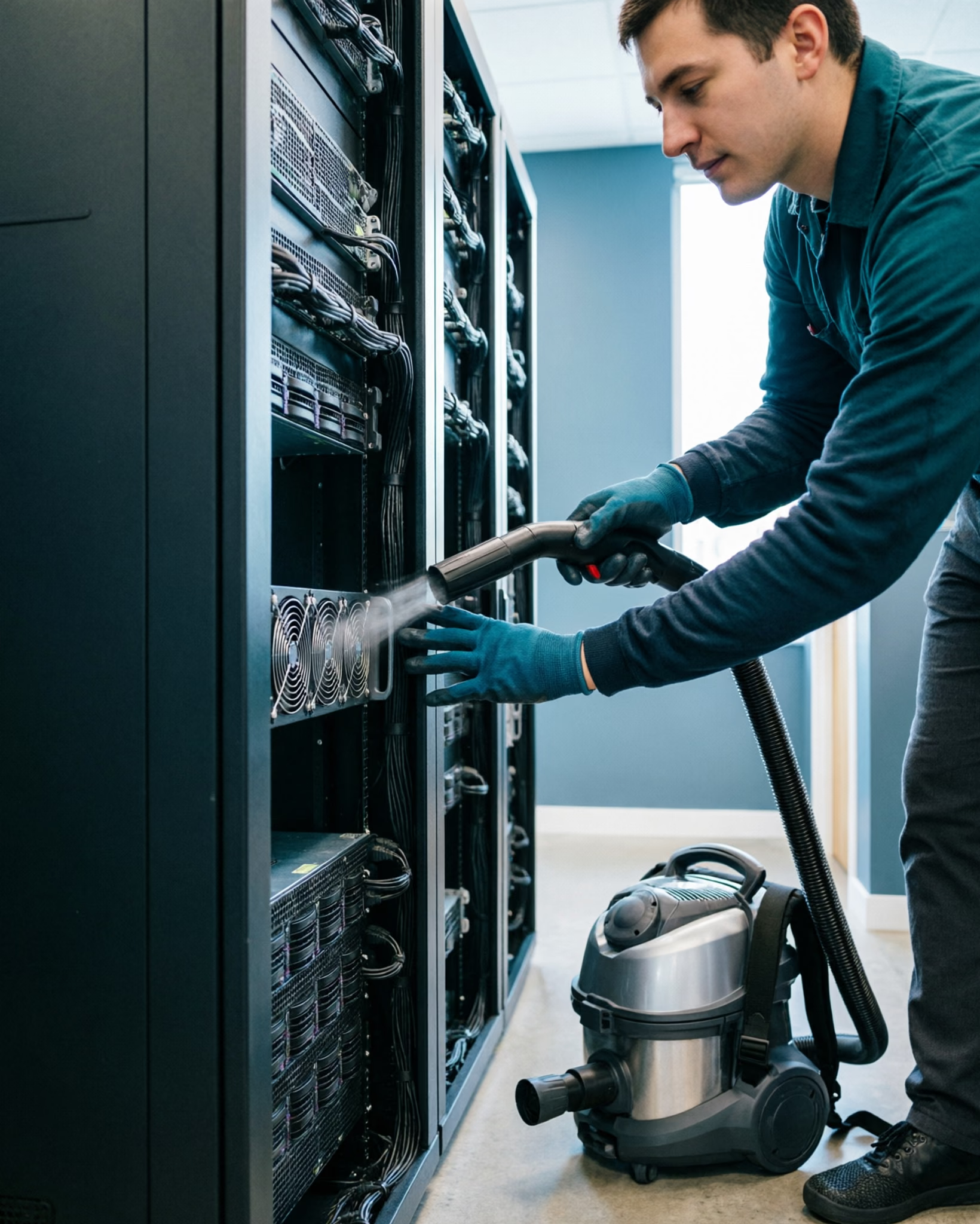
The server room is the heart of a modern tech office, and dust is its quiet enemy.
- 01Dust clogs intake fans and heatsinks, forcing servers to work hotter and shorter.
- 02Filtered vents that are never cleaned slow airflow and strain the cooling system.
- 03A layer of dust on equipment makes it harder to spot leaks, damage or failing parts.
- 04Fluff, hair and debris from carpets and foot traffic find their way into the racks.
Heat is the most common cause of premature equipment failure, and dust is one of the biggest contributors to heat. Keeping the server room clean is not cosmetic; it is a simple, effective way to protect the equipment your business depends on.
What You Need Before You Clean Electronics
Cleaning electronics is mostly about what you do not use.
- 01Use a soft, lint-free microfibre cloth, not paper towel or a rough rag.
- 02Use a specialist electronics cleaner or a slightly damp cloth, never a soaked one.
- 03Use a soft brush and a can of compressed air for vents, keyboards and hard-to-reach gaps.
- 04Work with the equipment switched off and unplugged where possible.
The rule of thumb is simple: the cloth should be barely damp, never wet, and you should never spray anything directly onto electronics. Everything goes onto the cloth first.
The Safe Way to Clean Computers, Screens and Keyboards
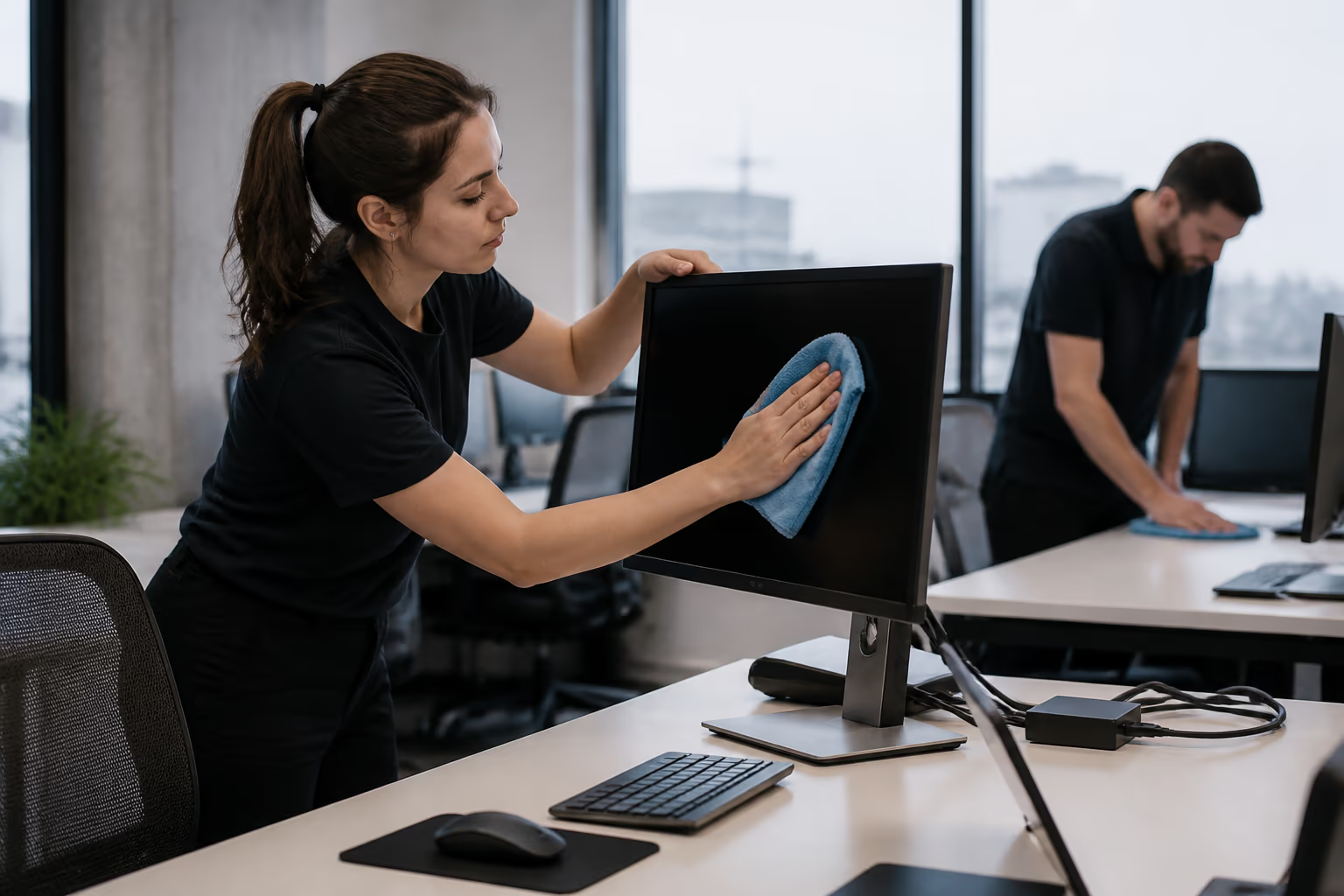
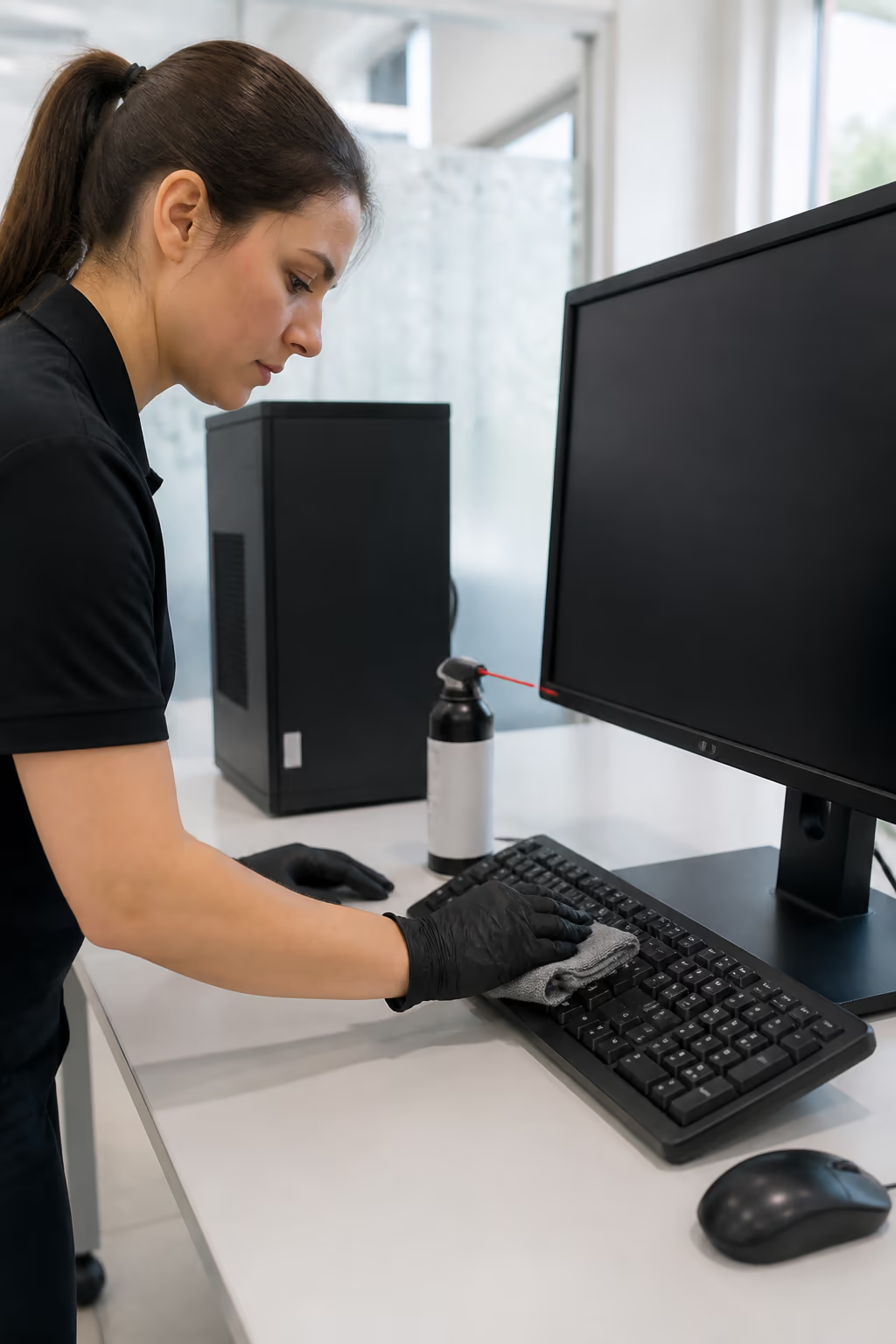
Desks, screens and keyboards collect the grime that makes an office look tired, and they need a gentler touch than the rest of the room.
- 01Screens are cleaned with a dry or barely damp microfibre cloth, wiped in slow, straight strokes.
- 02Keyboards are dusted with compressed air, then wiped with a barely damp cloth between the keys.
- 03Mouse, desk phones and chargers are wiped down regularly because hands touch them constantly.
- 04Laptops and docks are cleaned with the same care, avoiding ports and vents with moisture.
The goal is to remove the visible grime and the germs from high-touch surfaces without ever letting moisture reach the components inside. A daily quick wipe and a weekly deeper clean keep the whole workstation looking and working well.
Server Room Cleaning Done Right
A server room needs a scheduled, careful cleaning routine, not an occasional tidy-up.
- 01Vacuum the floor and the baseboards with a HEPA-filtered vacuum, and mop hard floors with a barely damp mop.
- 02Wipe the outside of the racks, doors and panels with a dry or barely damp microfibre cloth.
- 03Clean the front and back of each server, and the filters, on the schedule the manufacturer recommends.
- 04Use compressed air for fans, heatsinks and crevices, holding the can upright so moisture does not spray.
- 05Keep the room itself tidy, with cables labelled and nothing stacked against the vents.
Because downtime is expensive, server room cleaning is best done by people who know the equipment. A trained team works around the live systems, follows the safety rules and cleans without risking the hardware. If you are comparing providers, our roundup of best office cleaning in Ottawa covers what separates a careful team from a rushed one.
Cleaning Cabling, UPS Units and Networking Gear
The cabling, UPS units and networking gear are easy to forget, but they collect dust just like everything else.
- 01Wipe the outside of routers, switches and UPS units with a barely damp cloth on a regular schedule.
- 02Dust cable trays and the tops of racks, where dust gathers out of sight.
- 03Check for dust around vents and cooling fans on every unit, and clear it with compressed air.
- 04Keep the area under the desks and around the equipment free of clutter so air can flow.
Cabling is often the messiest part of a tech office, and a tidy cable run is not just about looks; it makes cleaning easier, airflow better and faults easier to find.
How Often to Clean a Tech Office
A tech office needs a mix of frequencies, because some surfaces need daily attention and others only weekly or monthly.
- 01High-touch surfaces, handles, keyboards, mice, phones and desk tops, are cleaned daily.
- 02Desks, screens, shared equipment and meeting tables are cleaned a few times a week.
- 03Floors, glass, break rooms and washrooms are cleaned on the office's regular schedule.
- 04The server room and the vents and filters are cleaned on a monthly or manufacturer-recommended schedule.
The right frequency depends on the size of the office, how many people use it and how much equipment it holds. A busy tech office with shared desks and a server room needs more frequent attention than a small quiet one.
The Link Between Cleanliness and Equipment Lifespan
A clean server room and office do not just look better; they change how the equipment performs. Components that run cooler because their vents and fans are clear last longer, run more reliably and need fewer repairs, and the same logic applies to workstations and laptops.
- 01Cooler-running equipment has fewer stress-related faults and a longer useful life.
- 02Clean vents and filters keep the fans working at full capacity.
- 03A tidy, de-cluttered space makes leaks, damage and overheating easier to spot early.
- 04Regular cleaning catches small problems before they become downtime.
In a tech office, the cleaning budget is rarely the biggest line item, but it is one of the most protective. A few hours of scheduled cleaning protects equipment worth many times its cost.
Products and Tools That Are Safe for Electronics
Choosing the right products is the whole game in electronics cleaning.
- 01Use specialist electronics-safe wipes and cleaners made for screens and devices.
- 02Use compressed air rather than a cloth to reach vents, ports and keyboards.
- 03Favour low-fume, low-residue products, and avoid harsh solvents and abrasive pads.
- 04Follow every label, and never mix cleaning products.
For the wider office, professional cleaning follows the same care. Staff handle any chemicals under the workplace rules, including the hazard communication requirements such as WHMIS 2015 where they apply.
Common Mistakes That Damage Electronics
Most electronics damage in the workplace comes from a handful of avoidable mistakes.
- 01Spraying cleaner directly onto a screen, keyboard or device, letting moisture reach the components.
- 02Using a soaked cloth or paper towel, which leaves streaks and can let liquid seep in.
- 03Cleaning a running server or live equipment without following power and safety procedures.
- 04Using harsh solvents, abrasive pads or bleach on sensitive surfaces.
- 05Letting dust build up in vents and filters until it causes overheating.
Each of these is easy to avoid with the right tools and a little care, and the payoff is equipment that runs cooler, lasts longer and costs less to repair.
Safety and Power: Working Around Live Equipment
Cleaning around electronics and power brings its own safety rules, and they are not optional.
- 01Switch off and unplug equipment before you clean it, wherever the task allows.
- 02Never let water or liquid anywhere near sockets, ports or power supplies.
- 03Keep cans of compressed air upright and away from heat, and use them in a ventilated space.
- 04Let a qualified person handle anything involving power, racks or critical systems.
- 05Work with a documented process so live equipment is never cleaned by guesswork.
For the server room and anything connected to live power, the safest approach is a trained professional who follows a documented procedure, not a well-meaning wipe-down.
Tech Office Cleaning Through the Seasons
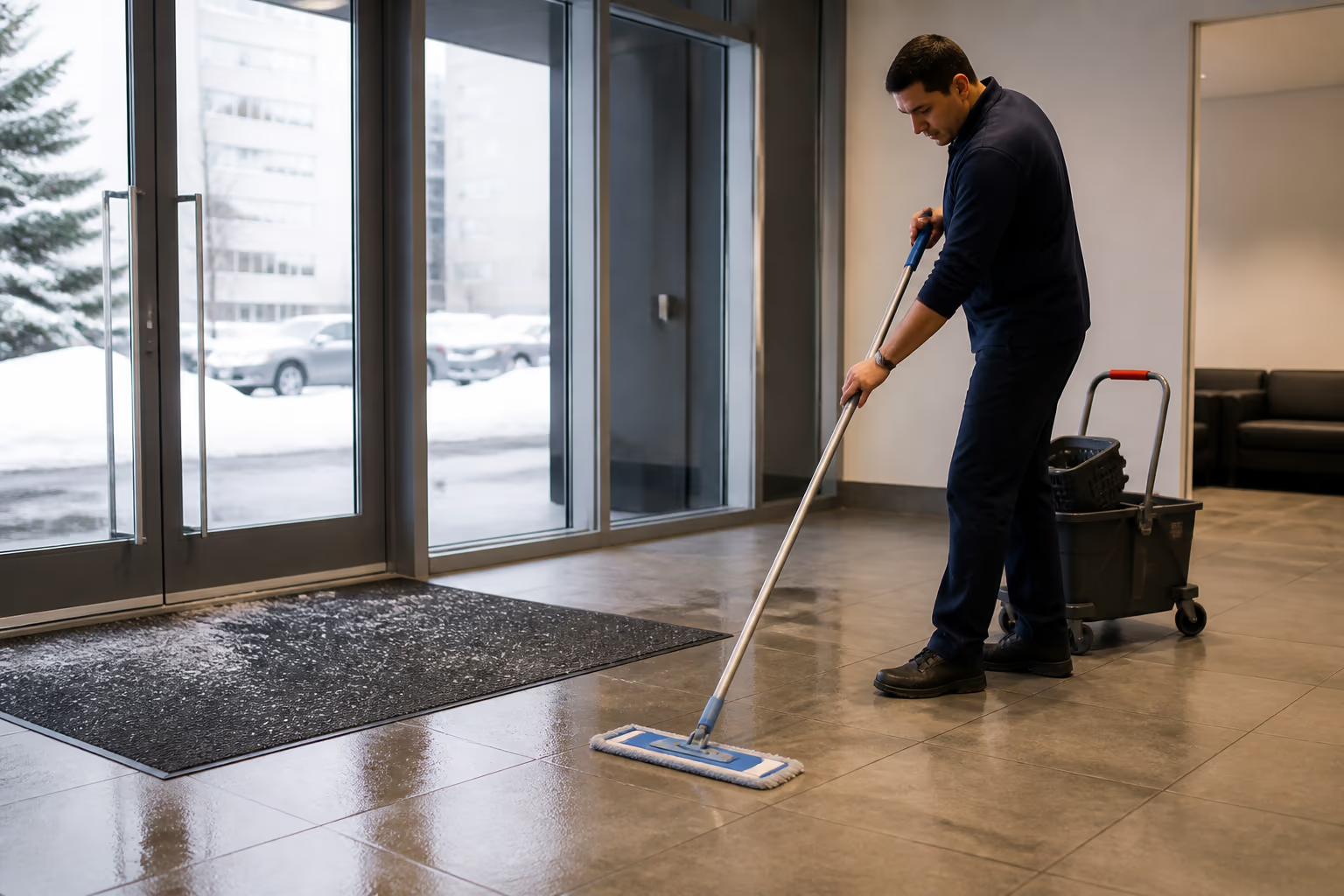
Canadian seasons shape what a tech office has to deal with. In winter, salt and melting slush are tracked into the lobby and the work floors, and that grit works its way onto mats, floors and the wheels of office chairs, so an entry mat and a regular floor clean matter more. In spring and summer, pollen and dust arrive with open windows, and in the dry winter air, static builds up more easily, which is a real consideration around electronics.
Good Cleaner Co. builds seasonal thinking into its office cleaning plans, matching the frequency and the focus of each clean to the time of year and the way the office is used.
After-Hours Cleaning: Why It Matters in a Tech Office
Many tech offices choose to be cleaned after hours, and it is easy to see why. During the day, staff need their desks, meetings fill the rooms and the server room should be disturbed as little as possible. Cleaning outside business hours lets a team work without interruption and without disrupting the people and systems that keep the office running.
- 01After-hours cleaning avoids interrupting work, calls and meetings.
- 02The server room can be cleaned when demand on the systems is lowest.
- 03Workstations are available and desks are clear for a proper clean.
- 04The office is fresh and ready when staff arrive in the morning.
For an office that runs around the clock, cleaning is scheduled in the quiet windows, and for most tech offices that means early mornings, evenings or weekends.
Costs, Timing and When to Call a Professional
Tech office cleaning is not a big-ticket line item when it is done right, and the real cost of getting it wrong, damaged equipment, downtime and replacements, is far higher. Professional rates vary by the size of the office, the amount of equipment and the frequency, so an itemised quote is the honest way to compare. The timing matters too: deep cleaning of the server room and the office is best scheduled to avoid peak business hours, which is why many tech offices choose after-hours cleaning. For a general sense of typical cleaning costs in Ottawa across office types, it helps to compare before you request an itemised quote.
Good Cleaner Co. brings trained staff, the right products and a documented process to tech offices across Ottawa. Our commercial office cleaning services in Ottawa are built around your schedule, your equipment and your standards.
If you are weighing whether to manage office cleaning in-house or hire it out, our commercial cleaning company vetting guide is a useful starting point for the questions that matter.
Formatted Step-by-Step Tech Office Cleaning Checklist
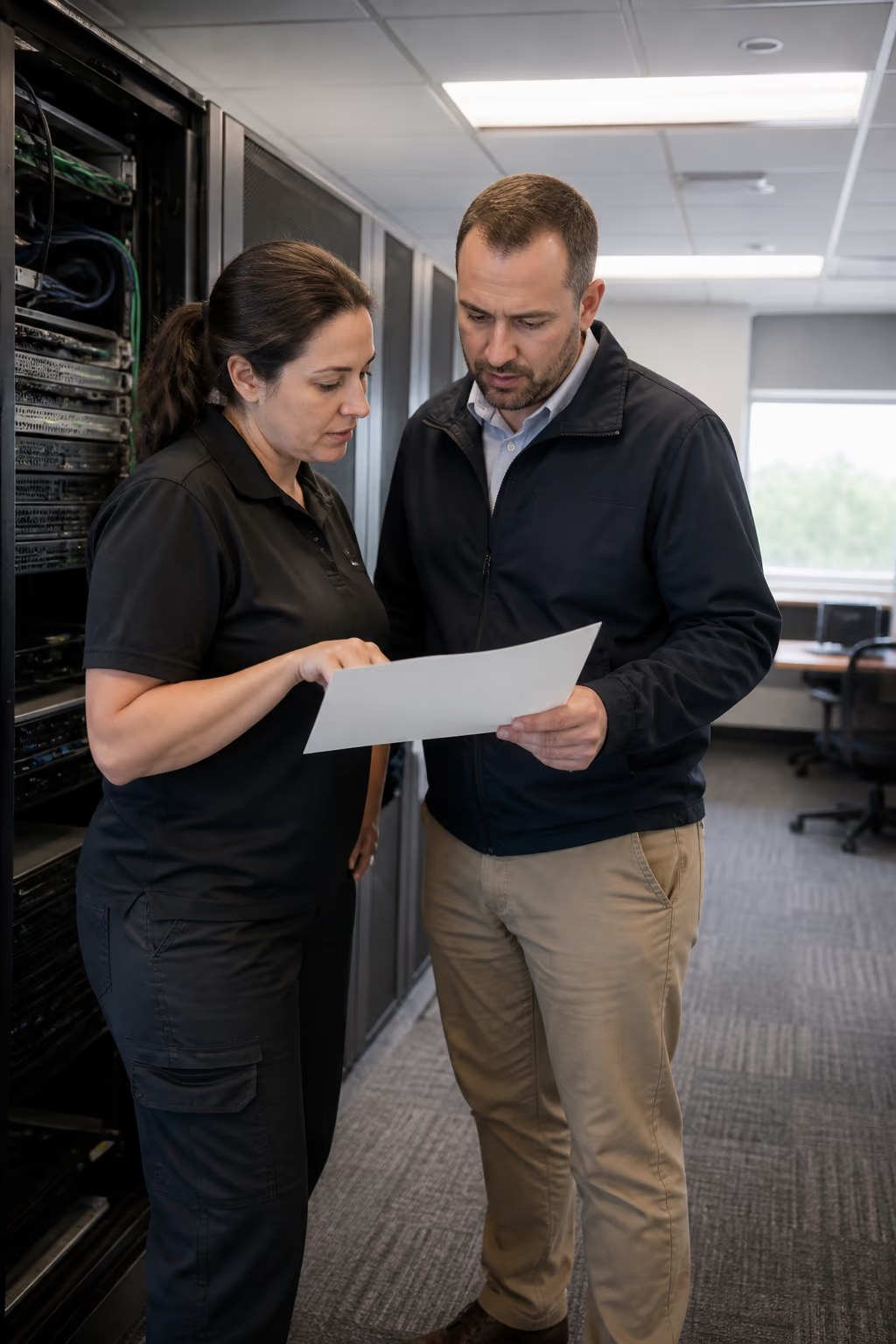
Use this checklist to keep a tech office clean without risking the equipment.
- 1.Power down and unplug what you can, and clear the desks and surfaces before you clean.
- 2.Dust top-down with a lint-free cloth, then use compressed air for vents and keyboards.
- 3.Clean screens and workstations with a barely damp cloth, never spraying anything directly.
- 4.Vacuum and mop the floors with a HEPA vacuum and a barely damp mop.
- 5.Finish with the high-touch surfaces and the server room filters and vents on their schedule.
- 6.For the deep clean, the after-hours coverage and the care a server room needs, reviewing our professional office cleaning teams in Ottawa provides a trained team that protects your equipment and your office.
FAQ
Can I use a regular glass cleaner on a computer screen?
No. Regular glass cleaners often contain ammonia and other solvents that can damage screen coatings. Use a specialist screen cleaner or a barely damp microfibre cloth instead.
Is it safe to spray cleaner directly onto a keyboard?
No. Spraying directly lets moisture reach the components underneath the keys. Use compressed air to remove debris, then wipe the keys with a barely damp cloth.
How often should a server room be cleaned?
Most server rooms benefit from a monthly cleaning of the floors, racks and filters, with the internal vents and fans cleaned on the manufacturer-recommended schedule. High-dust environments may need more frequent attention.
What should I use to clean electronic screens?
A dry or barely damp lint-free microfibre cloth is the safest choice, used in slow straight strokes. For stubborn marks, use a product made specifically for screens.
Why does dust hurt a server?
Dust clogs the fans and heatsinks that keep a server cool, which raises its temperature and shortens its life. Clean vents, filters and the room itself keep airflow working as intended.
Can I clean electronics while they are on?
It is safer to switch off and unplug equipment before cleaning. For live server equipment, use a trained professional who follows a documented procedure.
Do I need special products to clean a tech office?
For the electronics themselves, yes, use electronics-safe wipes and compressed air. For the wider office, standard professional products work, chosen for the surface and used with care.
How is tech office cleaning different from regular office cleaning?
Tech office cleaning adds the careful handling of sensitive electronics and the server room to the usual office routine. It needs the right tools, the right products and a process that protects the equipment. For a broader look at what a best office cleaning service in Ottawa should offer beyond electronics care, see our related guide.
What are the most common electronics cleaning mistakes?
Spraying cleaner directly onto devices, using soaked cloths, cleaning live equipment without care, using harsh solvents and letting dust build up in vents are the most common, and each can damage equipment.
How much does tech office cleaning cost?
Rates vary by the size of the office, the amount of equipment and the frequency, so an itemised quote is the honest way to compare. The cost of cleaning is small next to the cost of a damaged server or a week of downtime.
Where in the office does dust cause the most damage?
The server room, the vents and filters on every unit, and the keyboards and fans of individual workstations, because that is where dust gathers and where heat builds up. A regular cleaning of these spots prevents the most common dust-related faults.
Should we turn off the server room before cleaning?
Only with care, and only if the cleaning plan requires it. Most routine cleaning of floors, racks and filters can be done around live equipment by trained staff following a documented procedure, and anything involving power is handled by a qualified person.
Wrapping Up
Tech office cleaning is about protecting what you cannot see as much as making the office look good. Clean high-touch surfaces regularly, dust top-down, use the right products on screens and keyboards, and keep the server room and its filters on a schedule, and your equipment runs cooler and lasts longer. For the deep clean, the after-hours coverage and the care the server room needs, a professional team brings trained staff and a documented process to keep your office clean and your technology safe. Contact Good Cleaner Co. for a free quote and a cleaning plan tailored to your office.
Keep reading
More from Good Cleaner
Services that fit
- Commercial Office Cleaning Services in OttawaRecurring office cleaning services in Ottawa for open-plan offices, shared desks and workstations, built around your schedule and your equipment.
- Janitorial Services in OttawaRecurring janitorial services in Ottawa for offices, warehouses, retail, dealerships and schools. Eco-friendly commercial cleaning, customized plans.
About the author
Service areas
- Ottawa
- Kanata
- Nepean
- Orléans
- Barrhaven