
Cubicle Cleaning Tips: 9 Essential Tasks for a Healthier Office Desk
Office workstations across Ottawa, from cubicle rows in Kanata to open-plan floors in Nepean and downtown Ottawa, are used for eight or more hours a day. Keyboards, mice, phones, and desk surfaces collect skin oils, food crumbs, and dust, while fabric cubicle walls hold onto allergens. This guide walks through the tasks that keep a workstation genuinely clean and explains how to build a routine that is easy to keep up.
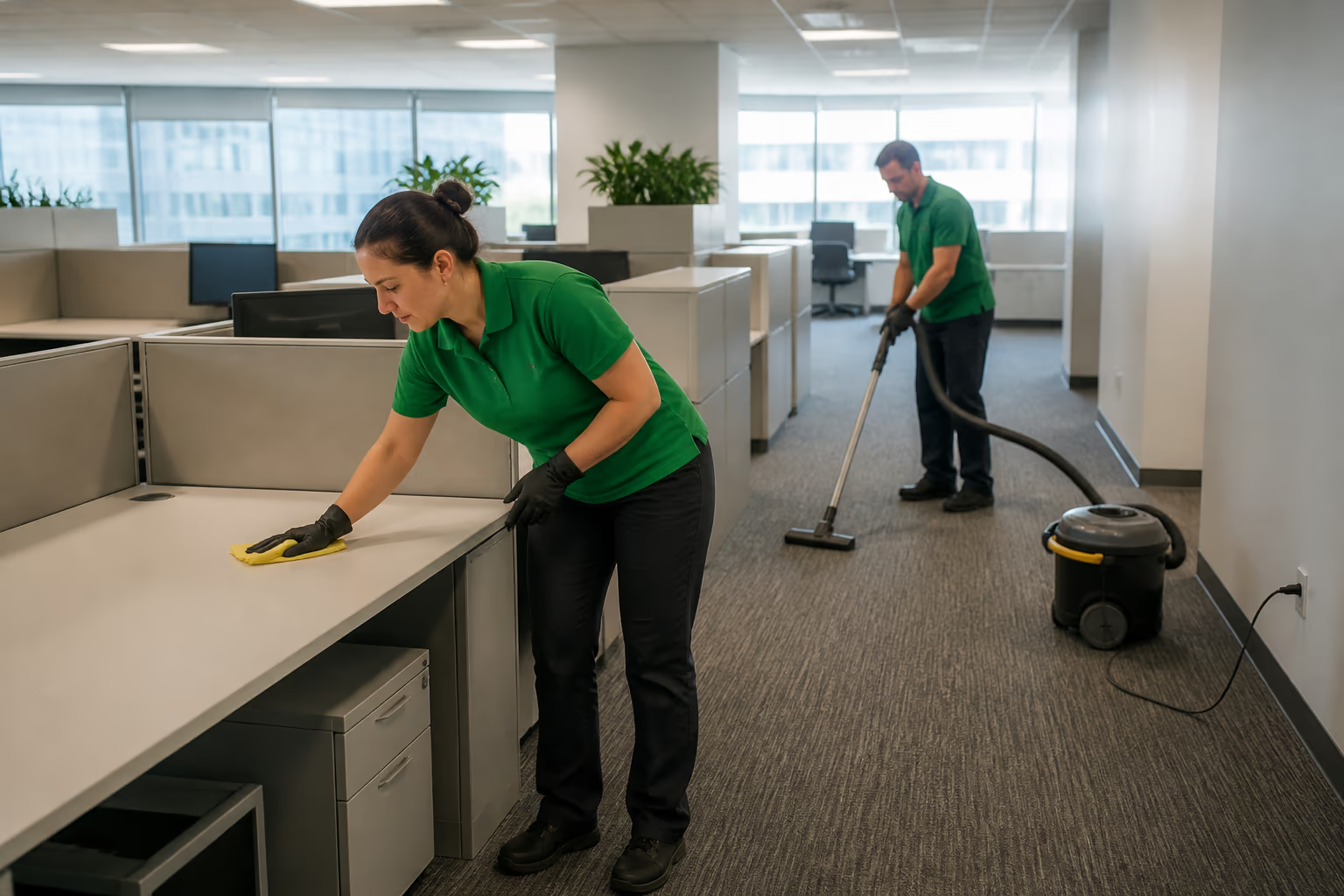
Quick Summary
Your desk is one of the most touched surfaces in the building, and it does not clean itself. This guide covers the essential cubicle cleaning tasks that keep workstations healthier, where germs and allergens collect, and the simple routine that makes it easy to stay on top of it.
In this guide
Why Workstations Need More Than a Weekly Tidy
It is often repeated that office desks can carry more bacteria per square inch than a toilet seat. That specific figure gets quoted a lot, and the honest truth is the exact number is hard to pin down. What is not in dispute is the practical point: workstations are high-touch surfaces used for hours every day, and they deserve regular cleaning.
A workstation is part of a regulated workplace. Ontario's employer duty under subsection 25(1) of the Occupational Health and Safety Act requires prescribed measures and procedures to be carried out and prescribed equipment to be kept in good condition, which frames the desk as more than a tidiness question. The province lists the duty in one line: “Take every precaution reasonable in the circumstances for the protection of a worker”.
A workstation has dozens of small surfaces that a standard office clean skips: keyboard keys, mouse buttons, phone handsets, monitor stands, and the fabric walls around the desk. Each one collects something, and together they add up.
A consistent cubicle routine keeps those surfaces in check, which is good for hygiene and good for the team's confidence in their workspace. For the wider building picture, our office cleaning tips for best building maintenance guide extends this same habit beyond individual desks.
Cleaning a workstation is also different from cleaning the rest of the office. The person using it touches every surface, often while working, so the products have to be gentle enough for electronics and quick enough to dry. That calls for a different toolkit than a general office clean. For more common questions like this, our cleaning services FAQ page covers general routines and product safety.
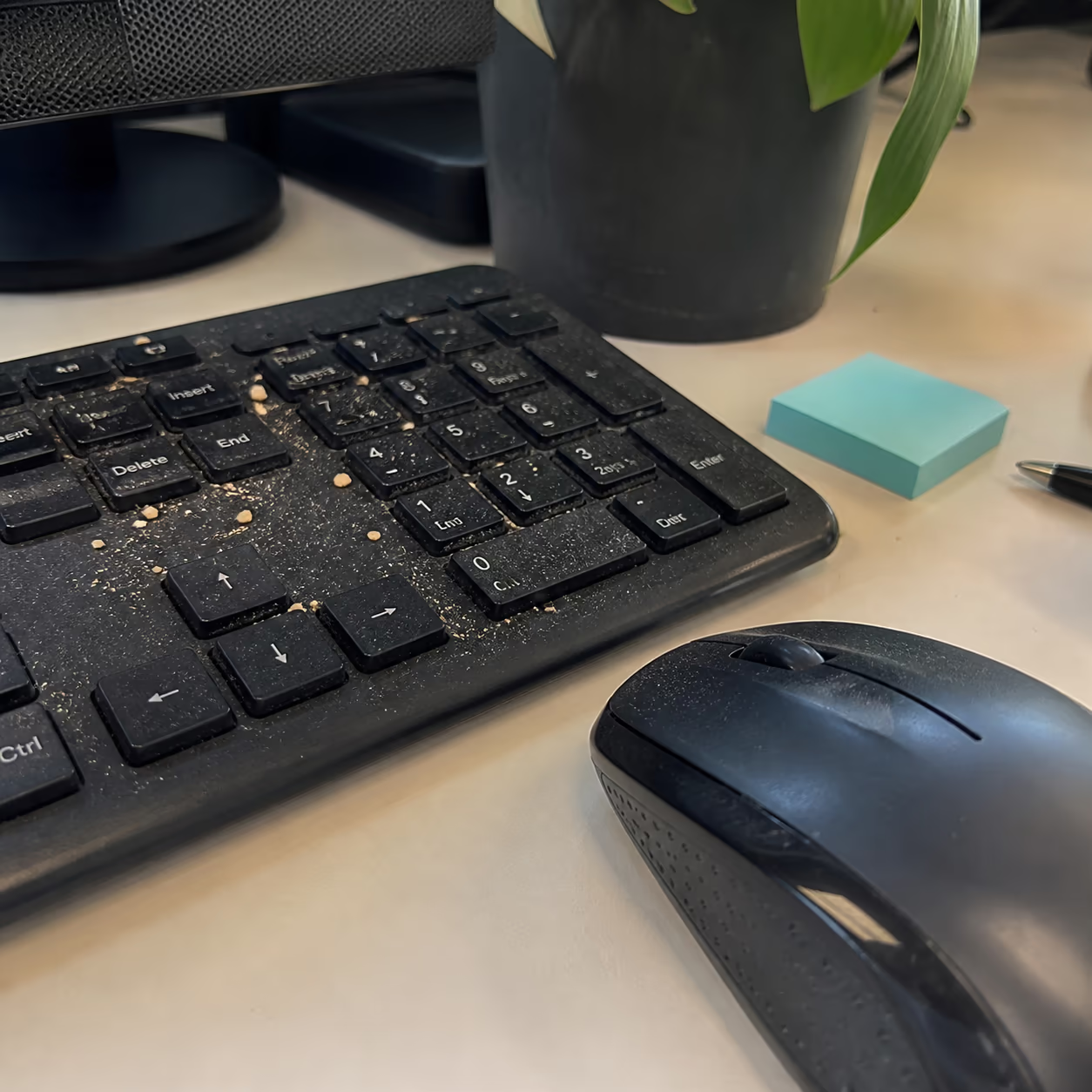
Where Germs and Allergens Collect at a Workstation
These are the spots that matter most in a typical cubicle:
Each of these surfaces needs a slightly different approach, but they all benefit from the same thing: a regular routine. The rest of this guide lays out a simple daily and weekly rhythm that covers them all without turning cleaning into a second job.
Building a Daily and Weekly Cubicle Routine
The easiest way to keep a workstation clean is a short daily routine plus a slightly deeper weekly one. A few minutes each day handles the surfaces you touch constantly, and the weekly pass covers the fabric and the floor.
The routine does not need to be elaborate. Wipe the desk and keyboard daily, vacuum the fabric walls weekly, and give the under-desk floor a pass on the same schedule. Once it becomes habit, it takes very little time.
For shared or hot-desked workstations, a slightly more thorough pass between users keeps the space ready for the next person and reduces the spread of germs.
A good rule of thumb is to clean as often as you use it. A workstation that is occupied every day gets a daily wipe and a weekly deep pass. A desk used a couple of times a week can follow a lighter schedule and still stay presentable.
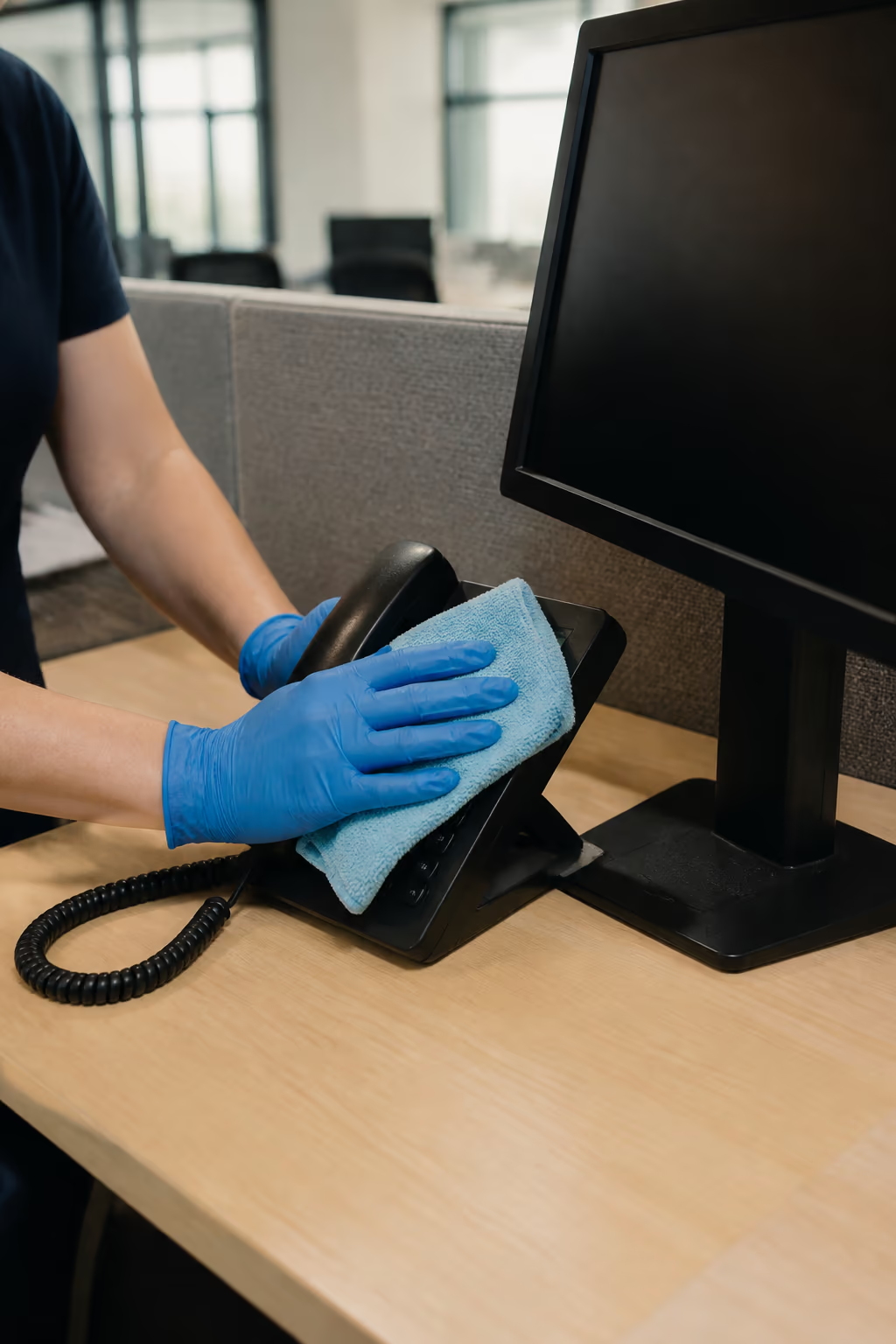
The Right Tools for Cleaning a Cubicle
A few good tools make the routine much easier and more effective:
None of these tools are expensive, and most offices already have them. The difference is using them on a schedule, and using the right tool for the right surface. A small kit kept in or near the workstation makes the routine easy to follow. The same small-kit approach works well in shared washrooms too, as covered in our ten essential toilet cleaning tips you need to know.
A Weekly Deep-Clean Pass for Workstations
The daily routine keeps the visible surfaces under control, but a weekly deeper pass catches what the daily wipe misses. It takes a little longer and is worth scheduling at a regular time.
Start with the keyboard and mouse. Turn the keyboard upside down and shake out the crumbs, then blow out the gaps with compressed air if you have one. Wipe the keys and the mouse with an alcohol wipe, and let everything dry before you use it.
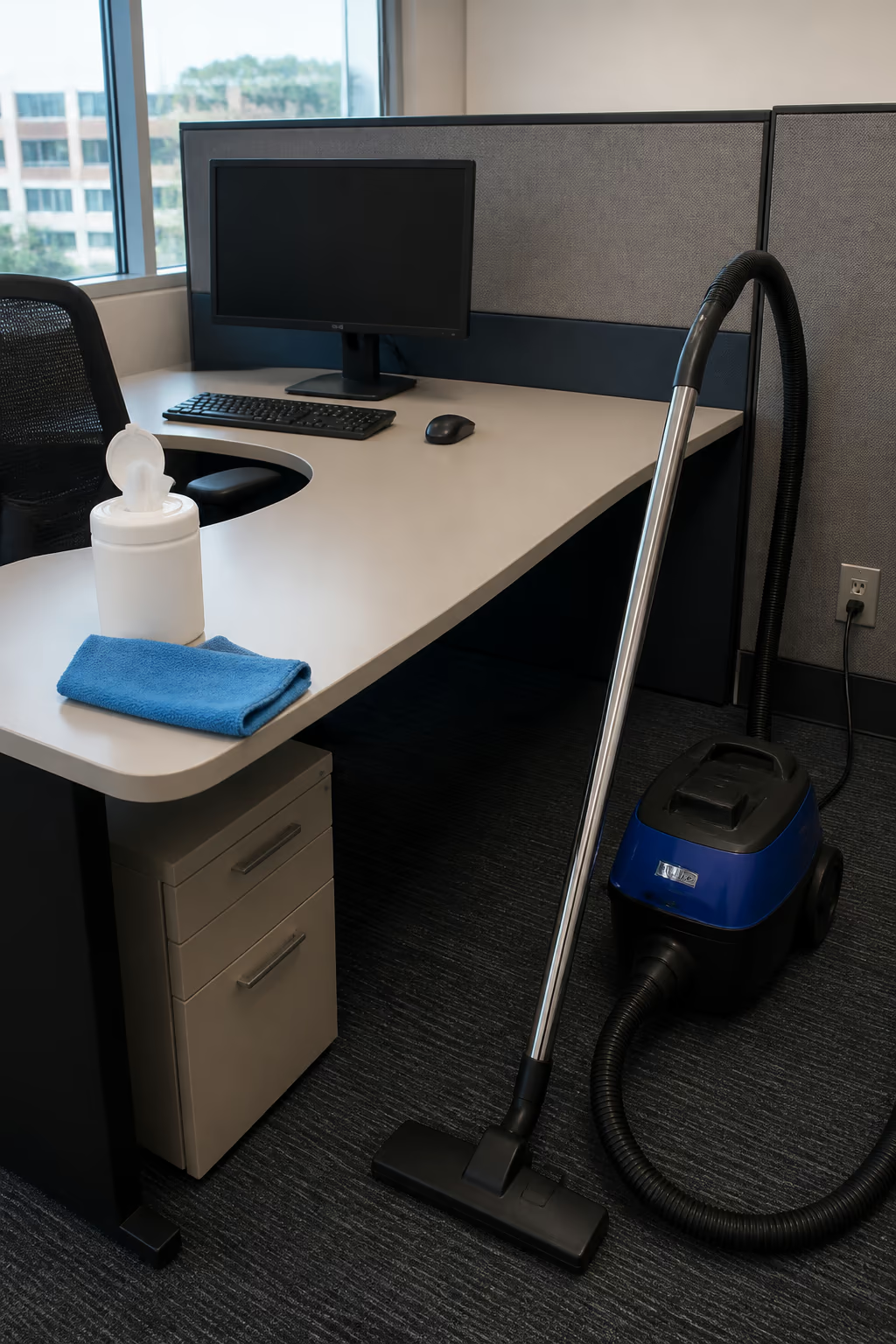
Move to the fabric walls. Vacuum them with an upholstery brush to pull out the dust and pollen trapped in the weave. This is the single best step for reducing allergens around a workstation.
Finish with the floor and the edges. Vacuum the carpet under the desk and along the baseboards, wipe the monitor stand and the desk edges, and clear any dust from the phone and the power strip.
The weekly pass takes about ten minutes per workstation. For a floor of cubicles, that is where a professional team can save the office a lot of time.
One more tip: schedule the weekly pass for a consistent time, like Friday afternoon or a quiet morning. When it happens at the same time every week, it becomes a habit, and workstations stay in better shape with less effort overall.
Mistakes That Make a Cubicle Harder to Keep Clean
A few common habits make workstations harder to keep clean than they need to be. Adjusting them makes the routine far easier.
Eating at the desk without cleaning up: Crumbs and spills are the main reason keyboards and desks get dirty. A quick wipe after eating keeps the problem from building up.
Using the wrong cloth: Dry dusters push dust around, and paper towels can leave lint. Damp microfibre cloths pick up and hold the dirt instead.
Letting clutter pile up: Every item on the desk is another surface to dust and another place for allergens to settle. Keeping the surface clear makes cleaning faster and more effective.
Forgetting the phone: The handset and earpiece touch the face, but they are often the last thing anyone cleans. Including them in the weekly pass is worth it.
Skipping the fabric walls: Fabric partitions trap dust and allergens, but because they do not look dirty, they get ignored. A quick weekly vacuum keeps them from becoming a hidden reservoir.
How a Professional Workstation Program Helps
For an entire office, keeping every workstation clean on schedule is a lot of work for the people already busy doing their jobs. A professional workstation cleaning program takes that responsibility off the team.
Professional crews work to a checklist that covers the keyboard, mouse, desk, phone, fabric walls, and under-desk floor, so nothing is left to memory. They use commercial-grade equipment, including sealed HEPA vacuums, that does a deeper job than household tools.
For shared or hot-desked offices, a professional program can include a clean between users, which is difficult to manage any other way. It keeps every workstation ready for the next person and reduces the spread of germs across the floor.
Formatted Step-by-Step Daily Cubicle Maintenance Checklist
Run through this routine to keep your workstation clean and healthy day after day:
- Step 1.Disinfect the Keyboard and Mouse:Turn the keyboard over to shake out crumbs, blow out debris with compressed air if you have it, and wipe the keys and mouse with an alcohol wipe.
- Step 2.Wipe the Desk Surface and Monitor Stand:Use a damp microfibre cloth to clear dust, coffee rings, and smudges from the desktop and monitor base.
- Step 3.Vacuum the Fabric Cubicle Walls:Use the upholstery brush on your HEPA vacuum to pull dust and pollen out of the fabric panels.
- Step 4.Vacuum the Under-Desk Floor and Cables:Clear the carpet under the desk and the area around the power bar and footrest.
- Step 5.Empty Your Waste Bin and Wipe the Bin Exterior:Take out the trash and give the bin a quick wipe so the workstation smells and looks fresh.
- Step 6.Partnering with Good Cleaner Co. for certified office cleaning services in Ottawa brings your workstation hygiene to a professional level, with trained staff and commercial-grade equipment.
Serving Ottawa's Office Workstations
Good Cleaner Co. keeps workstations clean for offices across Ottawa, from corporate campuses in Kanata to government buildings downtown and business spaces in Nepean and Orleans. Whether it is a single cubicle row or an entire open-plan floor, the standards are the same.
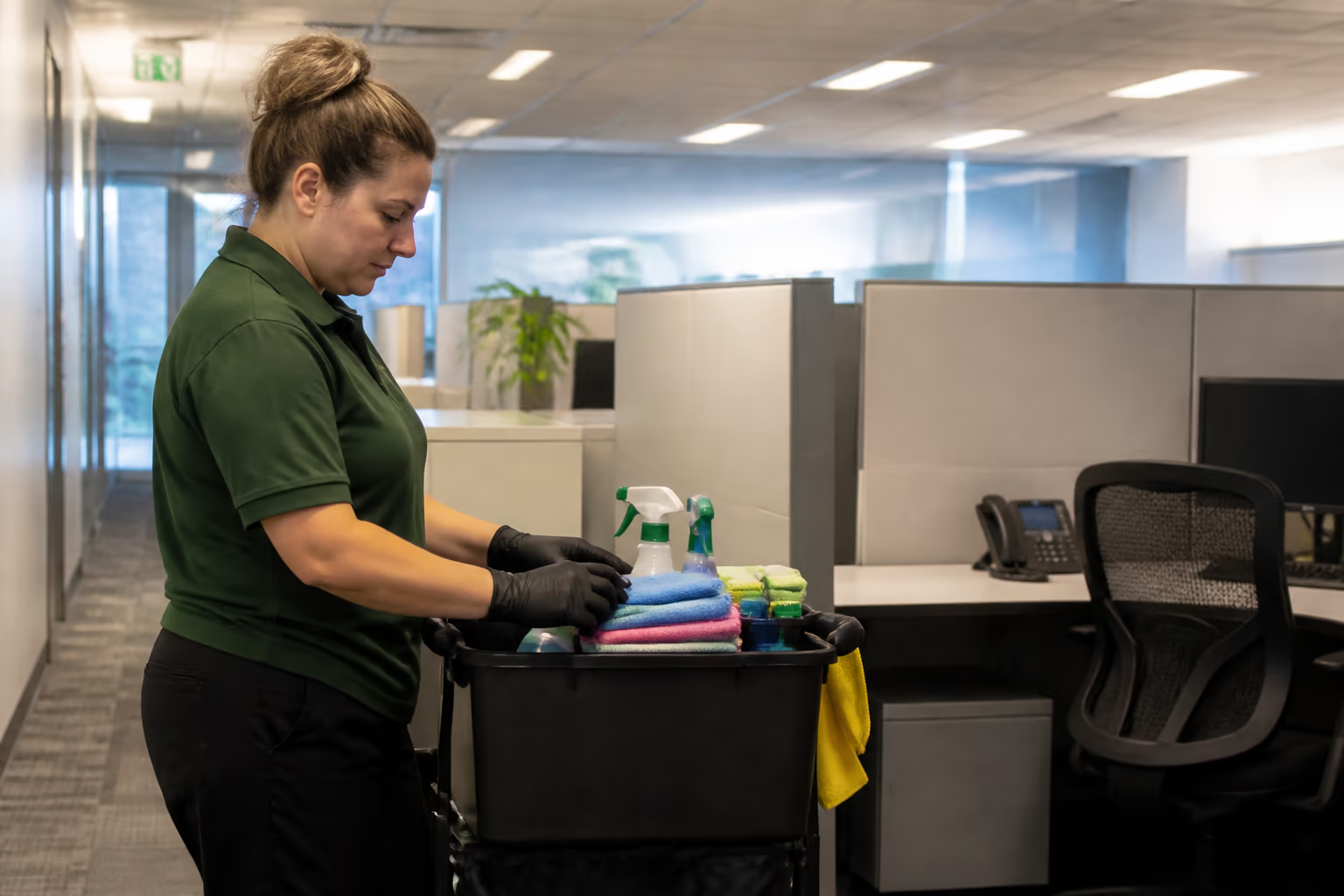
Practical Next Steps for Cubicle cleaning tips 2
Turn this guide into a short task list for the actual rooms, materials, and people involved. Name the visible result you need, the surface limits to respect, and the access or timing that changes the order of work. That gives the next person clear decisions instead of a broad catalogue of services.
Keep the list with the supplies or site notes, then revise it when the space or its use changes.
When the Routine Needs to Change
Review cubicle cleaning tips 2 when use, materials, or conditions change instead of following a generic seasonal script. A spill, event, occupancy change, construction dust, new equipment, or recurring mark may need a specific adjustment. Inspect the affected area, record what changed, and update the task rather than adding unrelated products or extra steps.
Canadian weather can change the moisture or grit arriving at an entrance, but the right response still depends on the flooring, access, and actual condition. Check mats, floors, storage, and drying areas regularly. Treat a recurring issue as a maintenance question, not as dirt that must be scrubbed harder.
Check Results and Escalate the Right Problems
A useful review asks whether the agreed task is complete, whether the surface was treated appropriately, and whether anything needs follow-up. Walk the area in normal light, compare it with the written scope, and note what remains. It is better to record a limitation honestly than to promise a perfect result.
Pause when a request involves product-specific, safety, plumbing, electrical, damage, infection-control, or health concerns. Use the responsible organisation's instructions or a qualified specialist where appropriate. Cleaning advice cannot replace a repair assessment, product label, workplace policy, or professional health guidance.
Partnering with Good Cleaner Co. for Workstation Excellence
Good Cleaner Co. combines years of regional experience, background-checked technicians, EcoLogo green chemistry, and commercial HEPA technology to deliver consistent results across Ottawa.
Our account managers work directly with home and business owners to build schedules that fit your budget and timeline. Contact Good Cleaner Co. today to request a commercial facility audit.
FAQ
Why do computer keyboards become so dirty?
Keyboards collect skin cells, food crumbs, and natural oils in the tight gaps between keys, and most people eat and type at the same desk. A quick weekly wipe keeps them far cleaner.
What is the safest way to clean fabric cubicle walls?
Vacuum them weekly with a HEPA vacuum and an upholstery brush. For deeper cleaning, a low-moisture steam or hot water extraction a couple of times a year removes built-up allergens.
How often should an office desk be professionally cleaned?
For most offices, daily surface wiping and weekly keyboard and mouse disinfection are enough for day-to-day, with a deeper monthly clean that includes the under-desk floor and fabric walls.
Is it safe to use alcohol wipes on a computer monitor?
Only on the right monitor. Many modern monitors have coatings that alcohol can damage, so check the manufacturer's guidance. A dry microfibre cloth handles most screens, and a screen-safe cleaner is the safer choice.
How do I clean a desk phone or headset?
Wipe the handset and earpiece with an alcohol wipe, avoiding the microphone if you can. Do it regularly, especially if the phone is shared or used by more than one person.
What is the most important surface to clean in a cubicle?
The keyboard and mouse, because they are touched constantly and are rarely cleaned. The desk surface is a close second.
Should shared cubicles be cleaned more often?
Yes. A shared or hot-desked workstation benefits from a full wipe-down between users, including the keyboard, mouse, desk surface, and phone, so each person starts clean.
How do I keep dust from building up so quickly on my desk?
Reduce the number of items on the desk, use a damp microfibre cloth to wipe rather than a dry duster, and keep the fabric walls vacuumed. A HEPA filter on your office air handling also helps.
What should I do if a colleague has allergies?
Keep fabric walls vacuumed, damp-wipe shared surfaces, and consider limiting clutter. Our guide to easing office allergens covers the wider steps for indoor air quality around workstation clusters.
How do I set up professional workstation cleaning for my office?
Contact Good Cleaner Co. for an office cleaning provider in Ottawa. We will build a schedule that covers keyboards, desks, fabric walls, and floors across your workspace.
Wrapping Up
A clean workstation is a small daily habit with a real payoff for health and focus. Contact Good Cleaner Co. today to book an office cleaning visit in Ottawa for your team.
Keep reading
More from Good Cleaner
Services that fit
- Professional Office Cleaning Services in OttawaNightly and after-hours office cleaning for corporate offices, clinics and professional suites, with after-hours scheduling and eco-friendly products.
- Janitorial Services in OttawaRecurring janitorial services in Ottawa for offices, warehouses, retail, dealerships and schools, with customized plans and eco-friendly chemistry.
About the author
Service areas
- Ottawa
- Downtown Ottawa
- Kanata
- Nepean
- Orleans