
Call Centre Cleaning
Call centre cleaning starts with density. More people use a smaller set of desks, chairs, phones, keyboards, headsets, dividers, and shared rooms, often with one user following another at the same station.
That makes this a workstation-hygiene guide rather than a general office-cleaning page. The focus is the boundary between shared equipment, personal items, furniture, circulation paths, and the moments when one shift or user hands a station to the next.
For an Ottawa facility manager, the useful first step is not choosing a product or copying a fixed schedule. It is mapping what is shared, who is allowed to touch it, what the manufacturer permits, and which parts of the room stay in use while cleaning happens.
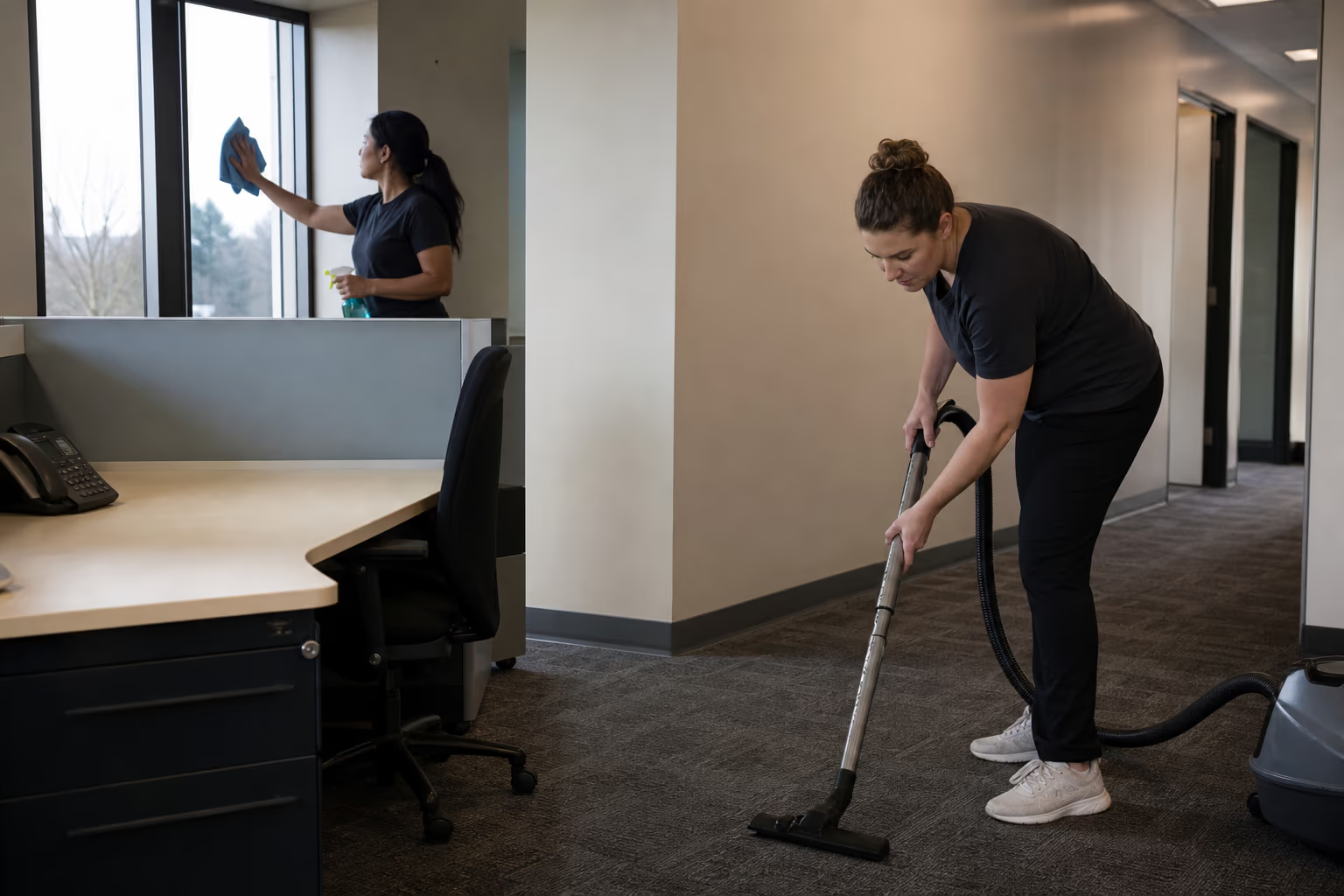
Why Density Changes the Cleaning Scope
A conventional office may leave many desks unused for part of the day. A call centre concentrates repeated contact at workstations and moves people through the same rows, aisles, entrances, break areas, and washrooms.
The difference is not that every surface becomes the same kind of risk. It is that the cleaning boundary must be more precise: a headset may be assigned to one person while the desk is shared; a keyboard may belong to the employer but carry manufacturer restrictions; a chair and divider may be touched by several users while personal papers must remain undisturbed.
- Shared phones, keyboards, mice, headsets, desk edges, and controls
- Chair arms, levers, fabric seats, and nearby divider panels
- Narrow aisles, cable zones, bins, and the floor beneath rolling chairs
- Breakroom handles, appliance controls, tables, and other shared touchpoints
- Entrances where outdoor soil reaches the workspace before any workstation task begins
Read the Room as a Set of Hygiene Zones
One large cleaning checklist hides the decisions that matter. A zone map separates electronics from furniture, user space from circulation, and the active call floor from shared support rooms.
The Workstation
The workstation combines sensitive equipment with ordinary surfaces. Phones, keyboards, mice, monitor controls, headset parts, desk edges, and cable areas cannot be treated as one wipeable block because liquid, pressure, and product restrictions vary by device.
Seating and Dividers
Chair arms and levers receive repeated hand contact. Fabric seats and acoustic dividers collect dust and crumbs differently from a sealed desk surface, and both need time to dry if any damp method is approved for the material.
Aisles and Entry Paths
Rolling chairs push debris toward edges and cable runs while foot traffic carries it along the aisle. The entrance takes the first load of grit, moisture, and winter residue, so it should not be folded into the same task as a desk.
Breakrooms and Shared Support Areas
Breakrooms concentrate food residue, water, appliance handles, chair backs, tables, and bins. These are shared-space needs, but whole-building washroom, floor, waste, and restocking contracts belong to the broader janitorial scope rather than this workstation-focused guide.
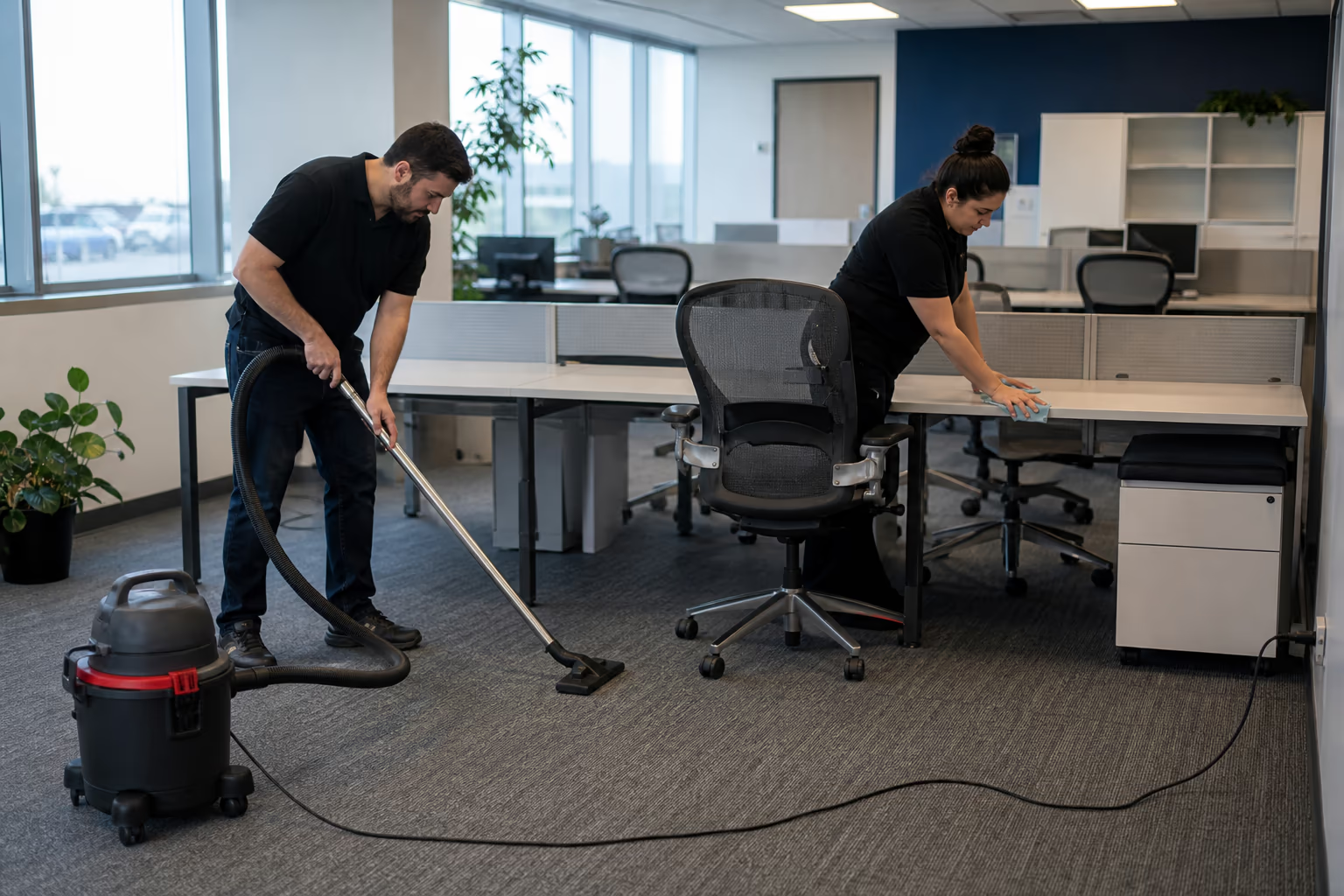
The Shift Handoff Is an Ownership Boundary
The moment between users is useful because responsibility can be made explicit. It does not create a universal cleaning window. It identifies when the outgoing user, incoming user, supervisor, facilities team, and cleaning provider need an agreed division of work.
Decide What Is Personal and What Is Shared
Before anyone cleans, identify assigned headsets, personal papers, locked drawers, shared keyboards, phones, chairs, and desk surfaces. A cleaner should not have to guess whether an item may be moved or whether a device may be handled.
Clear Access Without Exposing Information
A clear-desk rule can make a surface reachable, but privacy and security procedures still control access. Screens, documents, access cards, and personal items need a facility-approved boundary before a cleaning scope can describe them.
Separate Soil Removal From Disinfection
Visible crumbs, dust, spills, and residue are cleaning tasks. Disinfection is a separate product-led step that follows the surface and product instructions. Treating the words as interchangeable can lead to the wrong product, the wrong wet time, or unnecessary liquid near equipment.
Leave the Station Ready for the Next User
The final check is physical rather than promotional: surfaces are dry where required, equipment is returned only if movement was authorized, cables and controls are undisturbed, and any damage or spill is reported through the facility's own process.
Shared Electronics Need a Manufacturer-First Rule
Product names, alcohol strengths, contact times, compressed air, and professional equipment are not universal answers for every headset, keyboard, phone, monitor, or finish.
The safe boundary is to begin with the device manufacturer's care instructions and the facility's approved product list. If either prohibits a liquid, a solvent, a wipe material, or a cleaning action, the workstation plan must respect that limit.
- Do not spray liquid directly onto electronics
- Keep moisture away from openings, ports, switches, and exposed connections
- Do not unplug, move, or dismantle equipment unless that action is authorized
- Follow the product label for application, compatibility, and contact time
- Allow a surface or removable part to dry as instructed before reuse
- Report damage, residue, or uncertainty instead of improvising a stronger method
Before service is arranged, confirm which devices GoodCleaner handles, which products are approved, and whether client staff retain responsibility for headsets and keyboards.
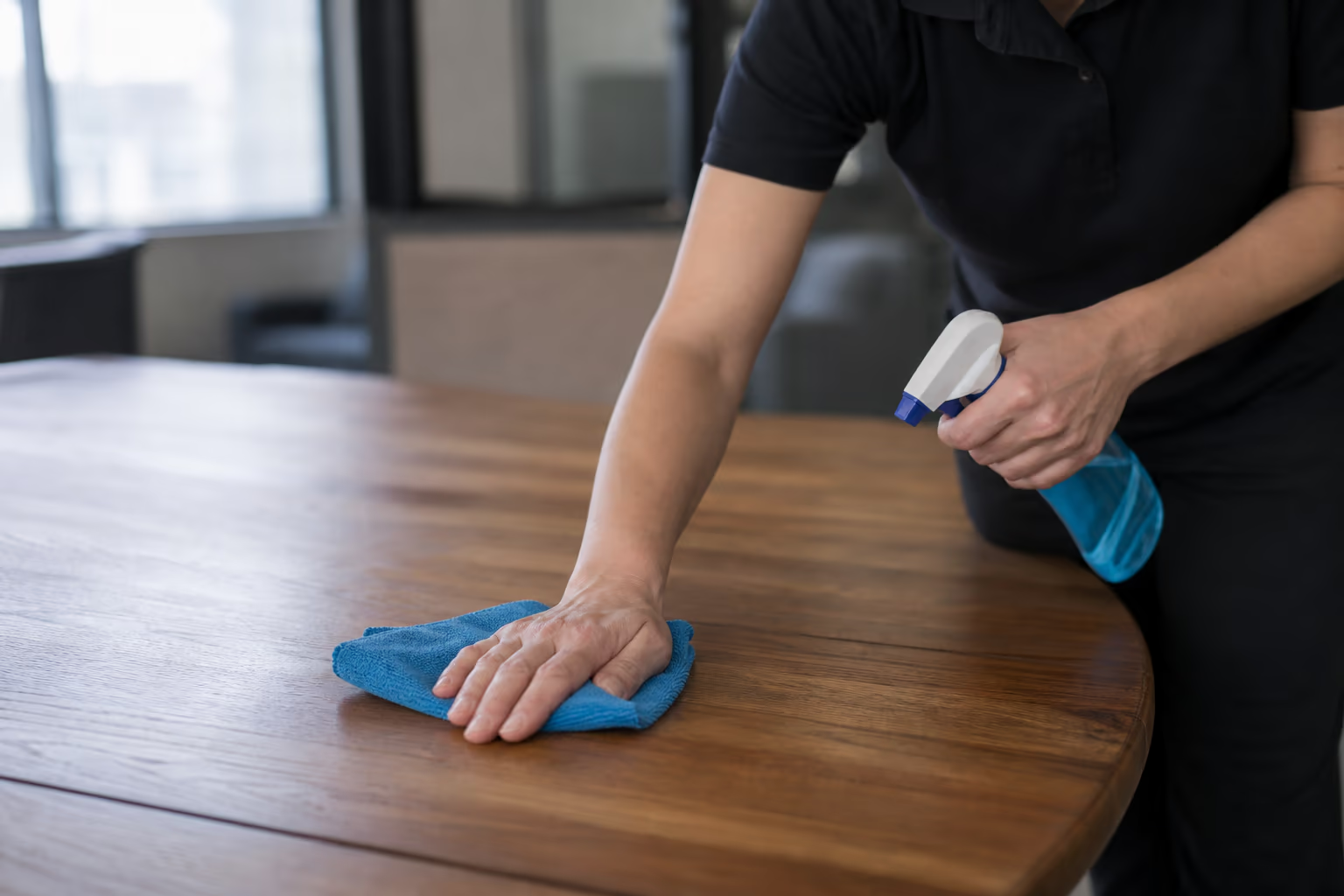
Cleaning, Sanitising, and Disinfecting Are Not Synonyms
Cleaning removes visible soil and residue from a surface. Sanitising and disinfecting use approved products for different purposes, and their labels determine compatible surfaces, preparation, application, and contact time.
In a high-density workspace, the distinction matters because removing crumbs from a keyboard, wiping dust from a divider, cleaning a desk, and disinfecting an approved hard touchpoint are not the same action. A single generic verb hides material and product limits.
A checklist alone cannot support promises about pathogen reduction, fewer sick days, better productivity, or compliance with a named standard. Those outcomes require evidence beyond a list of cleaning tasks.
Routine Attention and Periodic Detail
Frequency should follow actual use, not a universal daily, weekly, or monthly template. A station shared across shifts, a training room used twice a week, and a quiet supervisor desk create different patterns.
Between-User Attention
The handoff question is limited to shared, approved touchpoints and who owns them. It should never assume that every headset is shared or that a cleaner may handle active hardware.
Recurring Workstation Cleaning
Recurring work returns to reachable desk surfaces, furniture touchpoints, visible soil, bins, and the floor around the station according to the agreed boundary. Exact frequency, timing, staffing, and task verification must be agreed before work begins.
Periodic Detail Work
Periodic work reaches slower-building detail such as chair fabric, divider edges, cable-zone dust, floor edges, and other areas that are not part of every pass. Material instructions still control the method.
Whole-Building Janitorial Work
Washrooms, building-wide waste, long floor runs, windows, supply restocking, and general facility upkeep are broader janitorial concerns. Naming that boundary keeps this page from competing with the janitorial route.
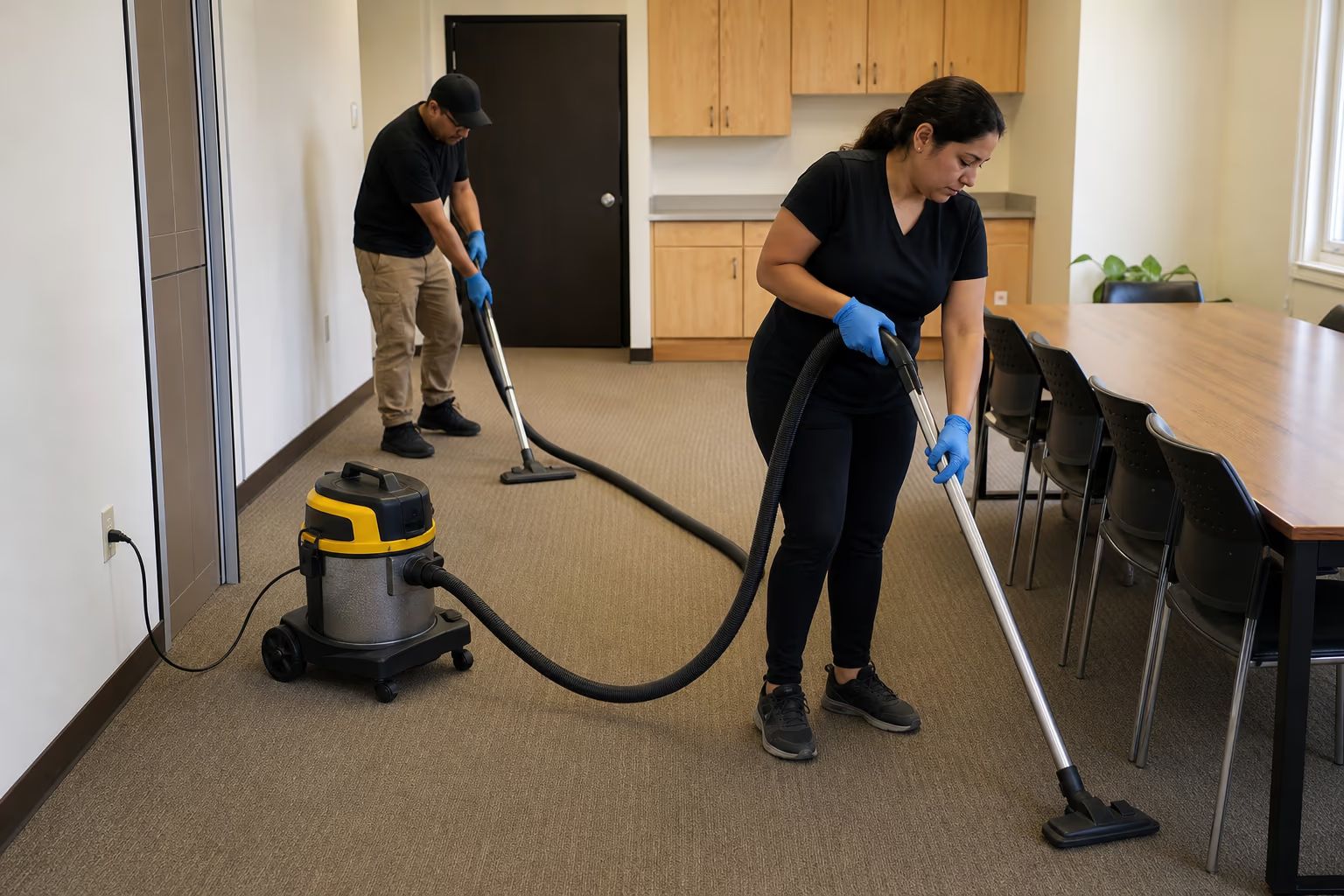
Surfaces Behave Differently in Dense Rows
The physical material decides what can be removed, how much moisture is safe, and how long the area must remain unused.
Sealed Desk Surfaces
Desks show skin oils, spills, adhesive residue, and dust. The finish and any electronics sitting on it determine whether a damp method is appropriate and what must remain in place.
Fabric Chairs and Acoustic Panels
Fabric holds dust and crumbs within fibres, while chair mechanisms collect debris around moving parts. Acoustic panels may be fabric-covered or made from another material, so a generic wet wipe can mark or damage them.
Carpeted Aisles and Chair Paths
Carpet in dense rows receives both foot traffic and repeated chair movement. Soil settles at edges and around fixed furniture, while cables and workstation legs limit access.
Hard Floors and Entrances
Hard entry floors show water, grit, and salt residue differently from interior carpet. Entrance care and floor restoration are separate from electronics-safe workstation cleaning and may belong to a broader facility scope.
Ottawa Winter Starts at the Door
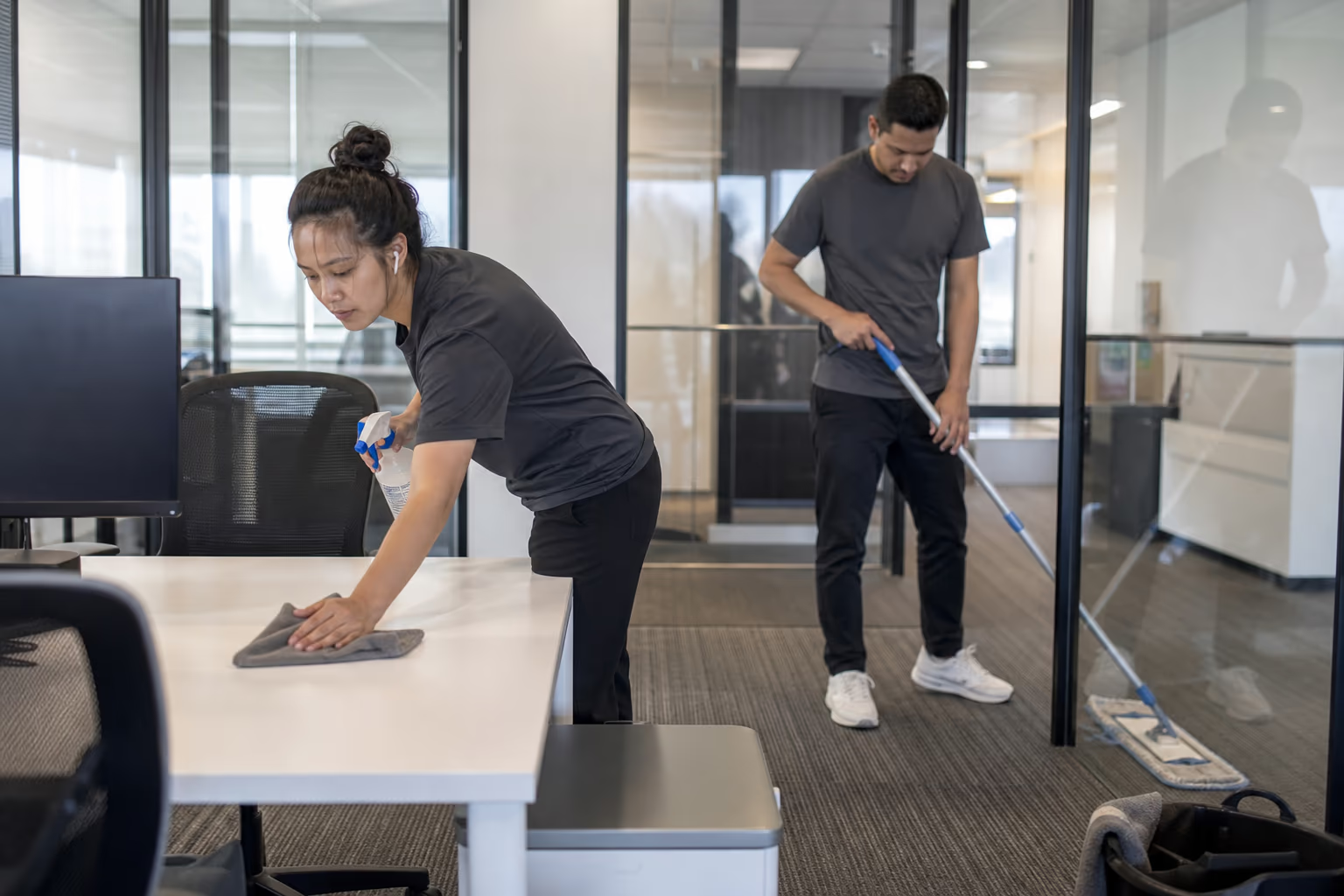
Ottawa winter adds salt, grit, slush, and meltwater at the entrance. Those materials arrive on footwear, collect around mats and thresholds, and then travel along the first circulation paths.
The workstation implication is spatial: handle wet entry soil as an entrance-floor problem before it spreads into chair paths and carpeted rows near electronics.
The actual floor material and condition should set the winter frequency, mat plan, carpet method, and any compatible treatment.
The Call Centre Floor, Zone by Zone
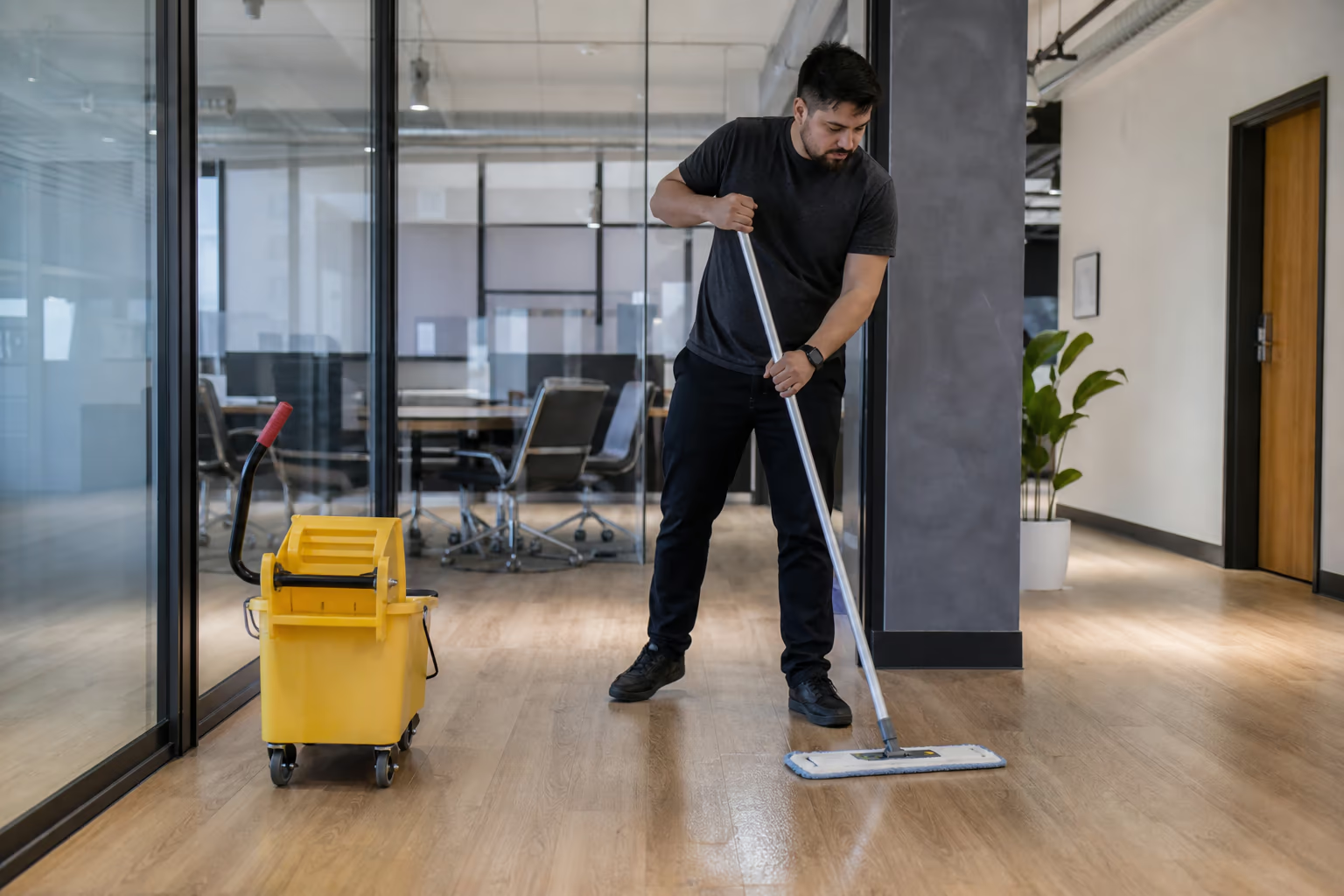
A call centre floor works at a density most offices never reach, and the cleaning plan follows the zones that density creates.
The call floor itself is the core: banks of desks, shared workstations, phones, headsets and chairs that pass from one shift to the next. The support rooms carry their own load: breakrooms with food residue and appliance fronts, training rooms that run empty and then fill, and washrooms serving the whole floor at shift breaks. The circulation paths connect them: the routes between desks, the entry points and the shared touchpoints every shift uses.
The plan names the zones and the shared equipment in each one, because density is what makes a workstation different from a desk. The boundary between what is shared and what belongs to a person is the heart of the scope conversation.
Shared Equipment and the Cleaning Boundary
The cleaning boundary in a dense workspace comes down to what is shared and what is personal.
Shared phones, keyboards, headsets, mice, chairs and desks pass between users, and they are the touchpoints that carry the most between shifts. Personal items, locked drawers and assigned equipment belong to the person, and the cleaner should not have to guess whether an item may be moved or a device may be handled. Manufacturer restrictions apply to electronics: a headset or keyboard may have specific care rules that the cleaning plan respects.
The plan conversation maps the boundary: what is shared and approved to clean, what belongs to a person, and what carries manufacturer restrictions. That map is what makes dense-workspace cleaning precise rather than generic.
Building the Hygiene Routine
The routine that keeps a dense workspace hygienic is a loop, not a one-time event.
The daily work holds the shared touchpoints at the level the floor needs: the phones, keyboards, desks and chairs that pass between shifts, and the washrooms and breakrooms that serve the whole floor. The weekly work returns to the deeper surfaces: the dividers, the monitors, the spaces between workstations. The periodic work resets the floor when the daily rhythm is no longer enough.
The routine is set around the shift pattern: the cleaning happens at the handoffs, when the floor is quietest and the shared equipment is free. That is what makes the hygiene routine fit the call centre rather than fight it.
How is call centre cleaning different from standard office cleaning?
This guide narrows the problem to workstation density, shared devices, shift handoffs, chair and divider rows, and the boundary between electronics and ordinary surfaces. General office rooms and broad office-cleaning transactions belong to the office route.
How often should shared workstations be cleaned?
There is no universal frequency. It depends on how many people use the station, whether equipment is shared, the facility's approved hygiene policy, product instructions, and the time available without interrupting active work.
Who should clean a shared headset or keyboard?
The facility must decide. Ownership, manufacturer instructions, privacy rules, device warranties, approved products, and the cleaner's authorized scope all affect whether the user, supervisor, IT team, facilities team, or cleaning provider handles a device.
What should happen between shifts or users?
Confirm that personal items and information are secured, identify which approved shared touchpoints are in scope, follow the device and product instructions, allow required drying, and report anything that should not be moved or used.
Which areas matter beyond the desk?
Chair arms and levers, fabric seating, divider panels, cable zones, floor edges, aisles, breakroom touchpoints, bins, and the entrance all experience repeated use. Broader washroom, floor, window, waste, and restocking work belongs to a janitorial scope.
How does Ottawa winter affect the plan?
Salt, grit, slush, and meltwater collect at entries and move into circulation paths. The plan should distinguish that wet floor problem from dry workstation and electronics care rather than treating the whole room with one method.
What information is still needed before arranging service?
Confirm the Ottawa service boundary, shift availability, electronics-handling policy, approved products and equipment, access and security process, reporting method, guarantees, frequency, staffing, timing, and pricing before arranging service.
Questions That Define a Call Centre Scope
The most useful checklist begins with questions the facility can answer before it selects a method or frequency.
- Which desks, keyboards, phones, mice, headsets, and chairs are shared?
- Which devices are personal, assigned, leased, or subject to manufacturer restrictions?
- Who clears papers, locks screens, handles access cards, and reports equipment damage?
- When are rows occupied, and where can work occur without interrupting active calls?
- Which zones are workstation-focused and which belong to janitorial or office cleaning?
- What floor, chair, divider, desk, and equipment materials are present?
- What product list, privacy rule, access protocol, and sign-off process has the owner approved?
These questions identify the decisions needed before device handling, shift-change work, checklists, reporting, after-hours access, or a service area can be agreed.
Call Centre Cleaning Across the Ottawa Region
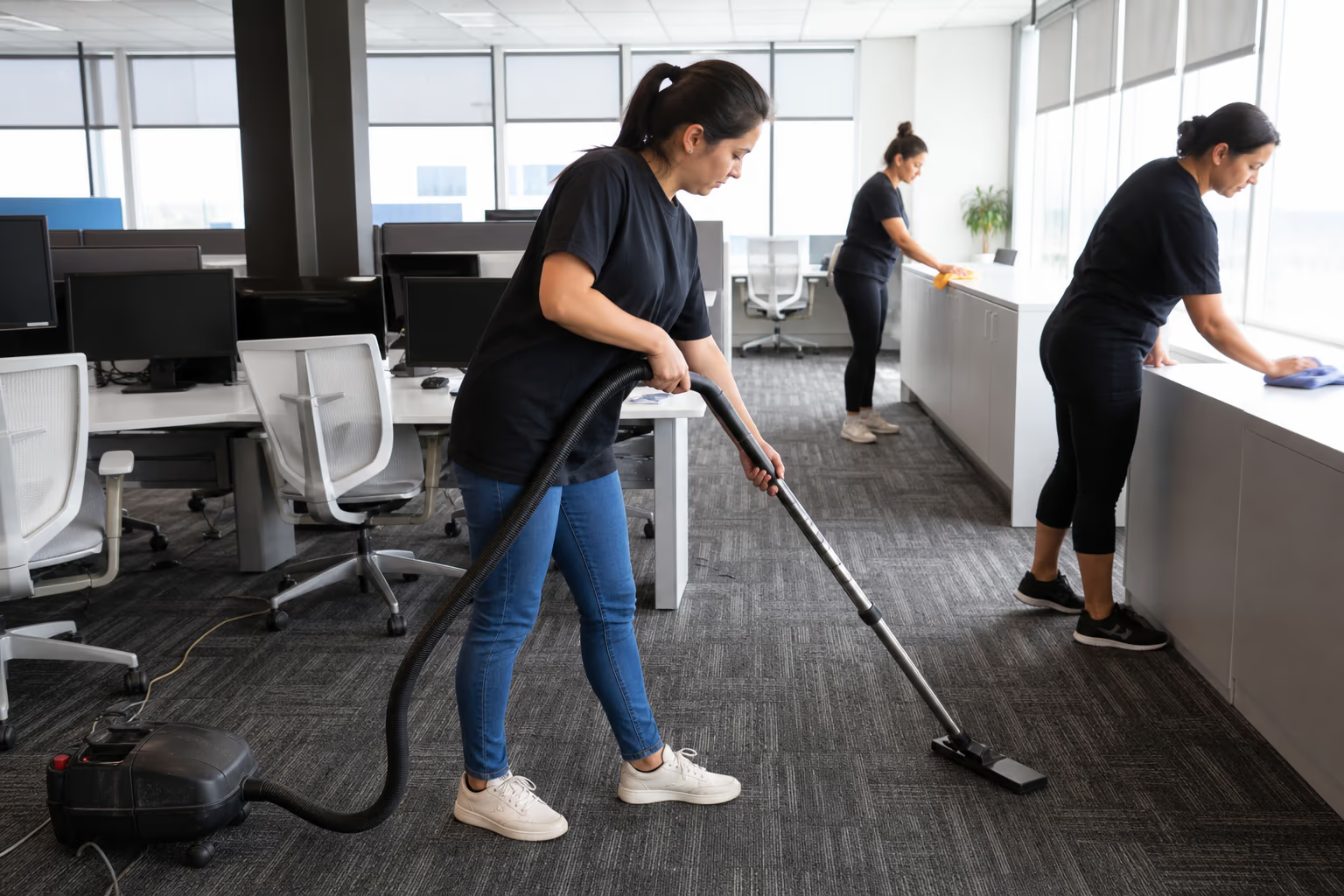
Dense-workspace hygiene plans are available across the Ottawa area, with the scope set around each facility's shifts and zones.
What Ottawa Facilities Said About Their Clean
★ ★ ★ ★ ★ 5.0 · 34 Google reviews
We had Good Cleaner deep clean our new place before we moved in, and they did a great job! We did feel some things were missed, and we contacted them about it. They proceeded to reply really quickly, returned the same day, and cleaned what we felt was missed! We were gobsmacked! They were really kind, understanding, and clearly wanted to clean the best they could for their clients. Their customer service was amazing! I highly recommend them!
I hired Good Cleaner for a 'move-out' clean. Remy and his team were second to none. They did a beautiful job and I would highly recommend them. Will definitely be using them in the future. Thanks Remy and team for such a great job!
Remy and his staff do a stellar and thorough job everytime. Compared to our old cleaning services company, the results are night and day. We couldn't be happier with the service provided and would recommend Remy to anyone looking for quality cleaning services in Ottawa.
Common Mistakes to Avoid
The strongest guidance on this page is about boundaries, because an improvised cleaning action near electronics or chemicals can create a new problem.
A bigger product list does not fix an unclear division of responsibility. Manufacturer instructions, product labels, owner-approved access rules, and a zone-by-zone scope are the safer foundation.
- Spraying a phone, headset, keyboard, or monitor directly
- Treating every hard surface as compatible with the same product
- Mixing cleaning chemicals or departing from their labels
- Moving documents, cards, cables, controls, or personal items without permission
- Using the same cloth or tool across washrooms and workstations
- Returning equipment before the approved surface or removable part is dry
- Copying a fixed schedule without checking occupancy, sharing, and material needs
A Clear Boundary Is the Useful Next Step
Before arranging call centre cleaning, document what is shared, what must not be touched, when the floor is occupied, and which tasks belong to workstation hygiene versus office or janitorial care.
Need professional support? Contact GoodCleaner to discuss the workspace and the cleaning boundary, then confirm the service area, response time, schedule, price, and device-handling responsibility before work begins.